openelab.de
 openelab.com












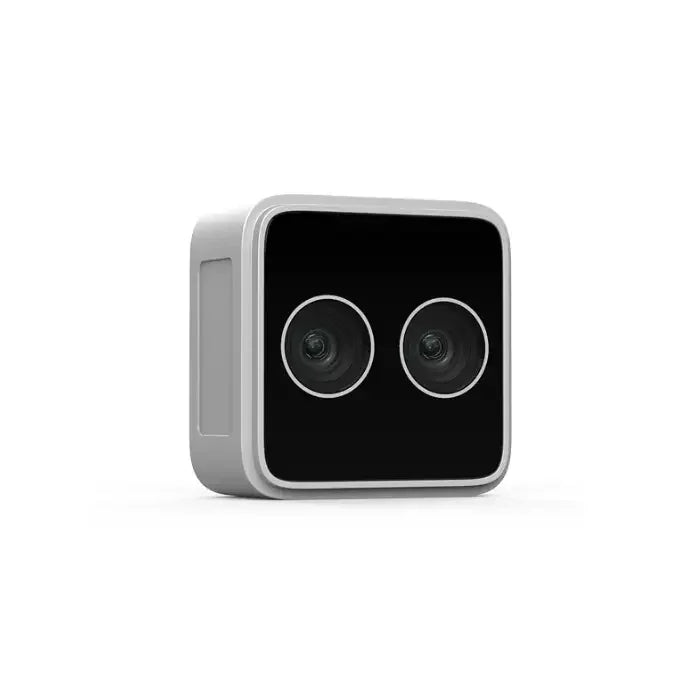
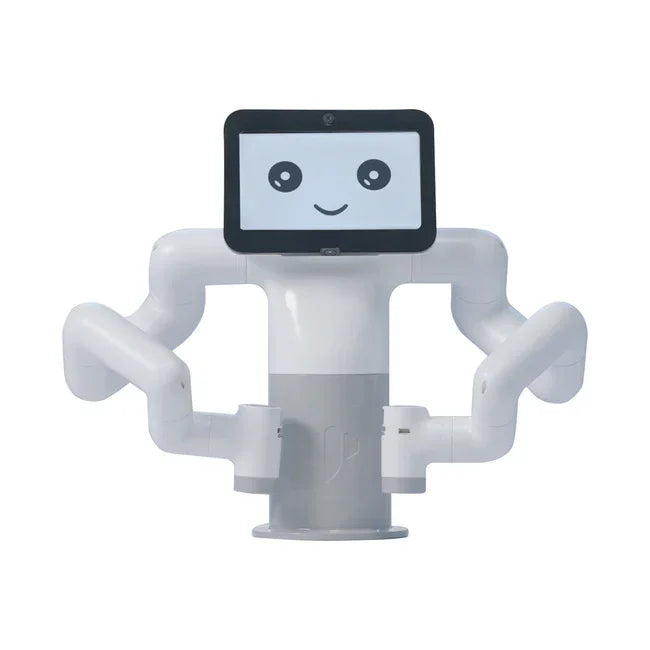


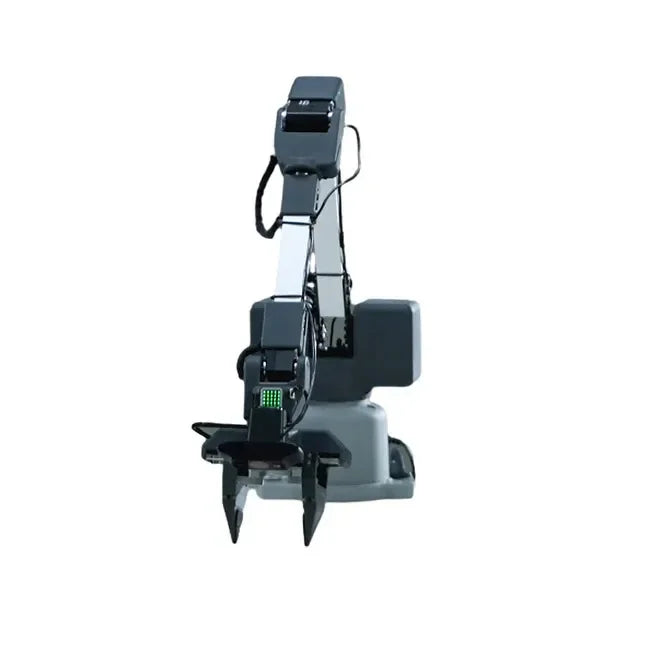











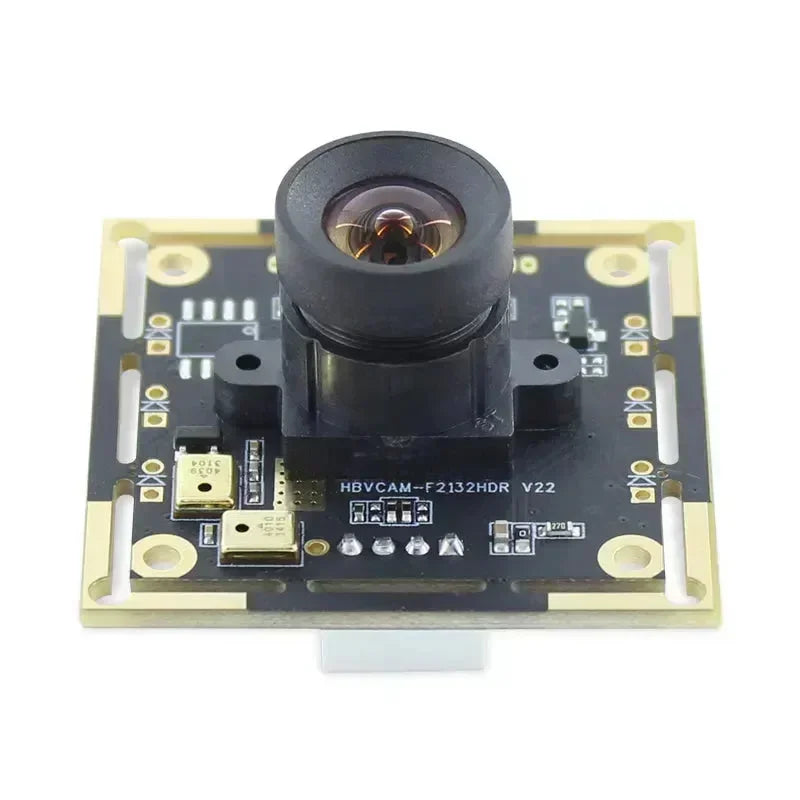















The Wheeltec R550A Arm kits are for buyers who want more than a mobile robot base. They combine an R550-style robot chassis with a robot arm workflow, so the project becomes mobile manipulation: navigating to a target area, perceiving an object, planning arm motion, grasping or placing an item, and coordinating the base and arm as one robot system.
Quick answer: choose the Wheeltec R550A Mecanum Arm ROS Kit when indoor positioning and sideways alignment matter most, choose the Wheeltec R550A 4WDBot Arm ROS Kit when you want a more conventional wheeled base with an arm, and choose the Wheeltec R550A Tracked Arm ROS Kit when tracked mobility and grip-focused experiments are part of the learning goal.
Buying boundary: OpenELAB listing titles frame these products as RPi5 / MoveIt / Arm / M10P / Touch / Voice ROS kits, while some page descriptions use broader ROS, robotic-arm, and compute-module wording. If the page title, description, and selected variant conflict, use the selected product title, variant, and seller documentation as the final reference. Arm DOF, ROS version, controller, sensor bundle, compute module, and tutorial package should be confirmed from the selected listing before buying. Do not copy ROS navigation, MoveIt, TF, or calibration settings between different chassis versions without checking the matching documentation.
Safety boundary: Keep hands, cables, and loose objects away from the arm, gripper, wheels, and tracks during tests. Start with low-speed motion, keep the workspace clear, and verify emergency stop behavior before autonomous runs. Because some listing descriptions may contain reused platform wording, verify the selected SKU before treating chassis type, compute module, arm DOF, or ROS version as final.

What Is ROS and MoveIt Mobile Manipulation?
Mobile manipulation means the robot does not only drive and does not only move an arm. It combines both. A mobile base handles navigation, positioning, mapping, obstacle handling, and approach behavior. A robot arm handles reach, pose planning, joint motion, gripper control, and contact with the target object. A vision or depth system helps locate objects and understand the scene.
In a ROS and MoveIt learning workflow, this usually involves several layers:
- Mobile base control: motor control, odometry, IMU data, chassis kinematics, and velocity commands.
- SLAM and navigation: mapping, localization, path planning, obstacle avoidance, and ROS navigation behavior where supported by the kit workflow.
- Arm control: joint control, kinematics, end-effector pose, gripper commands, and motion constraints.
- MoveIt planning: arm planning, inverse kinematics, collision checking, trajectory generation, and simulated motion before execution.
- Perception: object detection, target pose estimation, camera calibration, depth alignment, and frame transforms.
- System integration: TF frames, URDF, launch files, topic naming, calibration, and behavior sequencing.
The R550A is attractive because it gives students and robotics developers one platform where these topics can be studied together. It is not just a chassis with an arm bolted on top. The hard part is coordinating the base, arm, sensors, and software stack in a repeatable way.
How R550A Differs From the R550 Chassis-Only Robots
The earlier Wheeltec R550 chassis comparison focuses on AKM, Mecanum, Omni, Tracked, and 4WD mobile bases. Those kits are mainly about motion models, SLAM, navigation, floor conditions, payload, and chassis behavior.
The R550A direction changes the buying question. You are no longer choosing only how the robot drives. You are choosing a mobile manipulation platform where base motion affects arm work. A small change in base position can decide whether the arm reaches the object cleanly, whether the gripper approaches from the correct angle, and whether the robot can recover when the object is not exactly where the vision system expected.
| Question | R550 chassis-only focus | R550A arm focus |
|---|---|---|
| Main task | Drive, map, localize, navigate | Navigate, align, perceive, plan, grasp, place |
| Core software learning | ROS base control, SLAM, navigation, odometry | ROS plus MoveIt, TF calibration, arm planning, perception, task sequencing |
| Most common failure | Poor localization, bad floor traction, wrong chassis parameters | Target pose error, bad arm calibration, base-arm frame mismatch, unreliable grasping |
| Best buyer | Navigation and mobile robot learners | Mobile manipulation, AI vision, and robot arm workflow learners |
Wheeltec R550A Versions at OpenELAB
OpenELAB currently lists three R550A arm directions in this workflow: Mecanum, 4WDBot, and Tracked. The exact included hardware and software branch should always be confirmed on the selected product page, but the buying logic is clear: choose by the base behavior you want under the arm.
| OpenELAB R550A listing | Best for | Why it matters for mobile manipulation | Main caution |
|---|---|---|---|
| R550A Mecanum Arm Kit | Indoor labs, object approach, alignment before grasping, omnidirectional demos | Sideways and diagonal movement can help the base align the arm with an object without large turning maneuvers. | Mecanum wheels are floor-sensitive and need careful odometry and control tuning. |
| R550A 4WDBot Arm Kit | Conventional wheeled mobile manipulation, classroom projects, navigation plus arm learning | A four-wheel differential-style base is easier to reason about than omnidirectional motion for many navigation-first learners. | It cannot strafe sideways, so final approach and grasp alignment may require more path planning and turning. |
| R550A Tracked Arm Kit | Tracked-drive experiments, grip-focused mobility, uneven-surface learning, skid-steer behavior | Tracks are useful when the project question includes contact, traction, and less ideal surfaces. | Tracked odometry can drift during turns, so precise grasping alignment may need extra calibration and perception correction. |
Choose Mecanum When Alignment Is the Main Problem
The R550A Mecanum arm kit is usually the most natural fit for indoor mobile manipulation labs. Mecanum movement can translate sideways, rotate in place, and adjust approach angle more flexibly than a conventional differential base. That matters when the arm has a limited reachable workspace and the robot must position itself accurately before grasping.
Use the Mecanum direction for table-side pick-and-place demonstrations, shelf approach experiments, vision-guided object alignment, classroom mobile manipulation demos, and projects where the base must fine-adjust the arm's position near a target. It is also a good teaching platform for understanding holonomic motion and how base kinematics affect manipulation.
The caution is floor quality. Mecanum wheels are best on flat indoor surfaces. If the surface is soft, uneven, dusty, or high-friction in inconsistent ways, sideways motion and odometry can suffer. For ROS work, tune Mecanum parameters and do not assume differential-drive examples will transfer cleanly.
Choose 4WDBot When You Want a More Conventional Mobile Base With an Arm
The R550A 4WDBot arm kit is better when the learning goal is a more conventional wheeled robot with arm capability. It is the easier conceptual fit for users who want to learn navigation first, then add arm planning and basic grasping. It does not have the same sideways alignment ability as Mecanum, but that can be a useful constraint for real mobile robot planning.
Choose this direction for courses where students first learn ROS base control, SLAM, localization, and path planning, then add manipulation tasks. It is also practical for demonstrations where the robot approaches an object, stops, turns to align, and uses the arm for simple pick-and-place actions.
The main limitation is final positioning. If the robot cannot strafe sideways, the planner must handle approach angle more carefully. For small objects or narrow grasp zones, you may need better perception, repeated alignment steps, or a table setup that gives the arm a forgiving workspace.

Choose Tracked When Grip and Skid-Steer Behavior Are Part of the Lesson
The R550A Tracked arm kit is the right direction when the project is not only about neat indoor alignment. Tracks make sense when you want to study traction, skid-steer behavior, surface contact, and mobility over less perfect surfaces. That can be useful for robotics labs and demonstrations where grip-focused movement matters.
Do not treat the tracked version as automatically more precise for grasping. Tracks can skid during turns, and skid changes odometry. A mobile manipulator needs repeatable base pose near the object. If the tracked base drifts, the arm may start from a different pose than the planner expected. Use perception correction, TF checks, and conservative manipulation tasks before attempting complex autonomy.

A Practical ROS and MoveIt Learning Path for R550A
Do not start by asking the robot to autonomously find, grasp, and deliver objects. A reliable mobile manipulation workflow should be built in layers. Each layer should work before adding the next one.
| Stage | Goal | What to verify | Common failure |
|---|---|---|---|
| 1. Base bring-up | Drive the robot safely and predictably | Motor direction, encoder feedback, IMU direction, odometry frame, emergency stop behavior | Wrong chassis parameters or copied launch files from another base type |
| 2. SLAM and navigation | Map and navigate before using the arm | LiDAR frame, map quality, localization stability, obstacle behavior, navigation tuning | The robot reaches the area but stops in a pose the arm cannot use |
| 3. Arm joint control | Move the arm safely through known joint positions | Joint limits, home pose, gripper open/close behavior, repeatability, collision-free test motions | Arm moves in simulation but not safely on the real robot |
| 4. MoveIt planning | Plan arm motion with collision awareness | URDF, joint limits, planning scene, end-effector frame, base-to-arm TF | Wrong frame transforms or missing collision geometry |
| 5. Perception and object pose | Detect the object and estimate where it is | Camera calibration, depth alignment, object size, lighting, target pose in the correct frame | The arm plans to a pose that does not match the real object |
| 6. Pick and place | Coordinate base, arm, gripper, and perception | Approach pose, grasp pose, retreat motion, object release, error recovery | The system works once but is not repeatable |
Why TF and Calibration Matter More Than Buyers Expect
Mobile manipulation depends on the robot knowing where things are. The camera sees an object in a camera frame. The arm plans in an arm or base frame. The mobile base navigates in map and odom frames. If those frame transforms are wrong, the robot can drive correctly and the arm can move correctly, but the grasp will still miss the object.
For an R550A project, check the relationship between map, odom, base_link, LiDAR, camera, arm base, wrist, and gripper frames. Also check whether the arm is modeled correctly in the robot description and whether the planning scene matches the physical robot. A few centimeters of error can be enough to turn a good demo into a failed grasp.
What R550A Is Good For
- ROS and MoveIt mobile manipulation teaching.
- MoveIt learning with a mobile base.
- Pick-and-place demonstrations with controlled objects.
- Vision-guided grasping experiments.
- SLAM, navigation, and arm coordination labs.
- Classroom demonstrations of base-arm interaction.
- Prototype projects where a compact mobile manipulator is more useful than a fixed desktop arm.
What R550A Is Not
- Not an industrial collaborative robot replacement. Treat it as an education, lab, and prototype platform unless the selected listing and your safety process support more.
- Not a guaranteed autonomous picking system out of the box. Object detection, grasp selection, calibration, and recovery logic still require development.
- Not a precision metrology platform. Servo repeatability, calibration, object pose accuracy, and base drift all affect results.
- Not one fixed configuration across every page. Confirm the exact arm, compute, ROS version, camera, LiDAR, touch screen, voice module, and tutorial package for the selected OpenELAB listing.
Common Mistakes to Avoid
- Starting with full autonomy. First verify base driving, then navigation, then arm motion, then perception, then pick-and-place.
- Ignoring chassis kinematics. Mecanum, 4WD, and tracked bases need different motion models and tuning.
- Using MoveIt without checking TF. Planning is only useful if frames, joint limits, and collision geometry match the real robot.
- Assuming the gripper can handle every object. Shape, weight, surface friction, object pose, and gripper width all matter.
- Trusting vision without calibration. A detected object box is not the same as an accurate grasp pose.
- Letting the arm move while the base is unstable. Stop or control the base pose before arm execution unless the project is explicitly studying dynamic manipulation.
- Copying R550 chassis parameters into R550A. The arm changes mass distribution, clearance, collision geometry, and task planning assumptions.
FAQ
What is the difference between Wheeltec R550 and R550A?
R550 is mainly a mobile chassis family for ROS navigation, SLAM, and motion-model learning. R550A adds a robot arm workflow, so the project shifts toward mobile manipulation, MoveIt learning, perception, grasping, and base-arm coordination.
Which R550A version is best for mobile manipulation?
For most indoor mobile manipulation labs, start with the Mecanum version because sideways alignment helps the arm approach objects. Choose 4WDBot for a more conventional wheeled base, and choose Tracked when grip and tracked-drive behavior are part of the project goal.
Does MoveIt control the mobile base?
MoveIt is mainly used for arm planning, inverse kinematics, collision checking, and trajectory generation. The mobile base usually needs its own ROS navigation and control stack. A complete mobile manipulation workflow coordinates both.
Can R550A pick up any object?
No. Grasping depends on object size, shape, weight, surface friction, target pose, gripper geometry, arm reach, calibration, and perception quality. Start with simple, repeatable objects before moving to harder tasks.
Should I choose R550A or a fixed robot arm?
Choose R550A if the project needs navigation plus manipulation. Choose a fixed robot arm if the robot stays at a bench and the goal is arm kinematics, vision-guided grasping, or manipulation without mobile-base complexity.
Can I use the same code across Mecanum, 4WD, and Tracked R550A versions?
Some high-level task logic may transfer, but the base control, odometry, navigation tuning, motion constraints, and approach behavior need to match the selected chassis. Do not assume the same launch files and parameters are correct for every version.
Final Recommendation
Choose the Wheeltec R550A Mecanum Arm kit if your main goal is indoor ROS and MoveIt mobile manipulation, object approach, and base-arm alignment. Choose the Wheeltec R550A 4WDBot Arm kit if you want a more conventional wheeled base for navigation plus arm learning. Choose the Wheeltec R550A Tracked Arm kit if your project includes tracked mobility, grip-focused experiments, and less ideal floor contact.
The safest way to think about R550A is this: it is not just an arm and not just a mobile robot. It is a ROS and MoveIt learning platform for coordinating a chassis, arm, sensors, perception, TF, planning, and grasping. Buy it when that combined workflow is the point of the project.