openelab.de
 openelab.com




























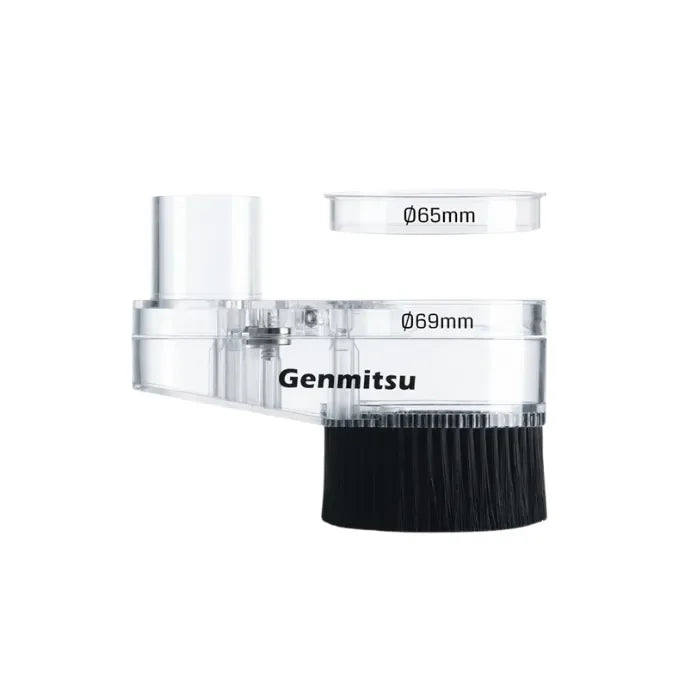








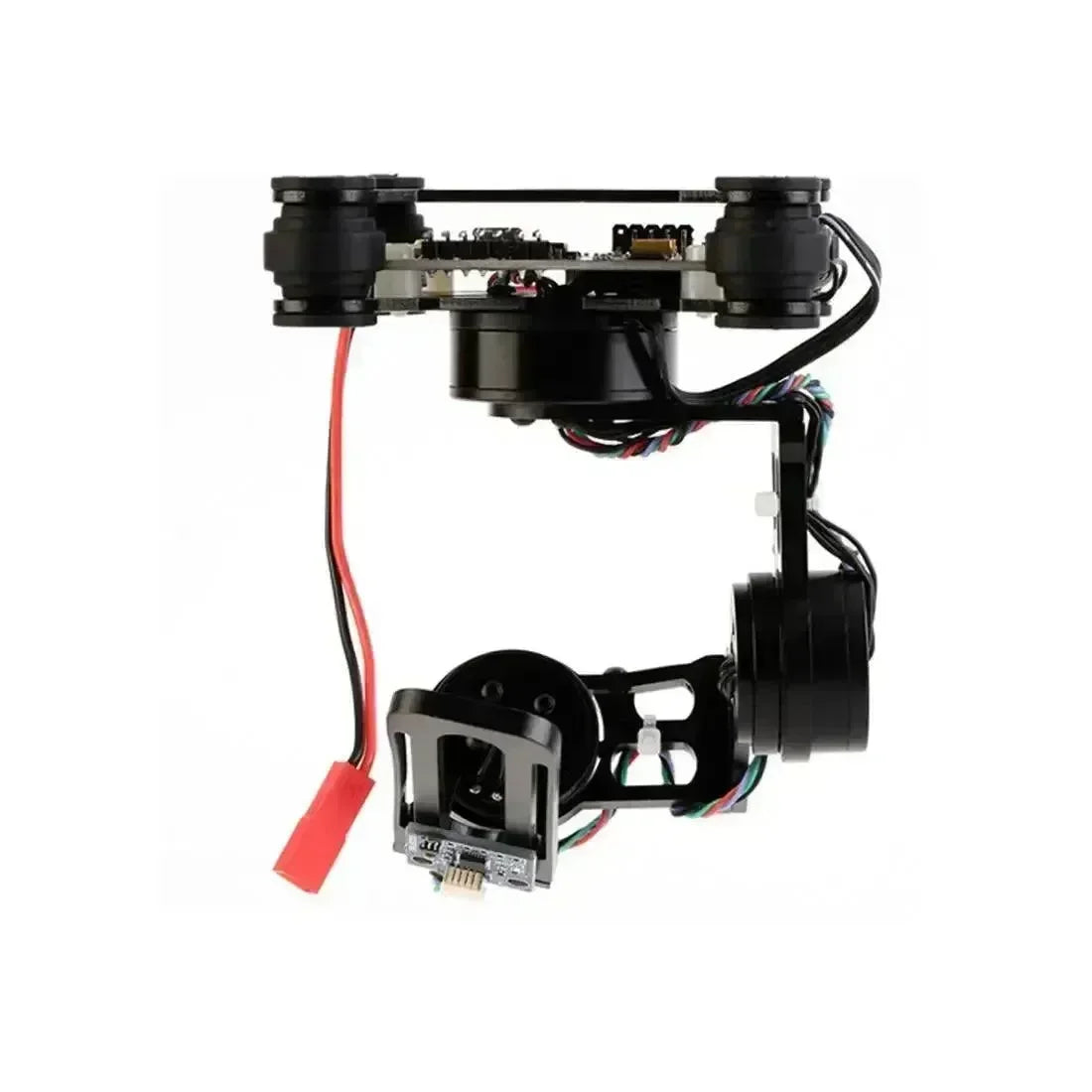














































What are 3D printing tools and accessories? They are the safety, cleaning, maintenance, filtering, nozzle, cooling, hotend, and workspace items that help a 3D printer produce cleaner parts and keep the workflow controlled. A printer can make a model, but accessories decide how safely you handle resin, how cleanly you remove supports, how reliably FDM parts cool, and whether a nozzle or hotend matches the materials you print. This OpenELAB buying guide covers FDM and resin tools in one practical workflow.
Do not treat accessories as random add-ons. A resin user needs protection, filtering, washing, curing, and cleanup control. An FDM user needs model cleanup, nozzle choices, build-surface care, cooling, hotend maintenance, and filament management. A Bambu Lab user may need model-specific upgrades. For background, the fused filament fabrication overview and stereolithography overview explain why FDM and resin workflows need different support tools.

Who This Guide Is For
| Reader type | Start here | Skip at first |
|---|---|---|
| Beginner FDM user | Cleaning kit, build-plate care, filament storage, first-layer checks | Model-specific fans and hotends until the problem is clear |
| Beginner resin user | Gloves, filters, funnel, wash and cure workflow, waste control | Large racks before the resin station is controlled |
| Experienced FDM user | Nozzle size, hardened nozzle path, cooling, slicer profiles, dry storage | Generic upgrades that do not match the hotend or printer family |
| Bambu Lab user | Exact model compatibility: X1/P1, A1, or A1/A1 mini | Accessories named for a different Bambu printer family |
Quick Buyer Verdict
These are the fastest buying decisions because they match the accessory to the workflow problem first: safety, cleanup, resin contamination, FDM flow, printer-specific cooling, or workspace organization.
- Start with safe handling and cleanup: Disposable Nitrile Gloves and the 3D Printer Accessories Model Cleaning Tool Kit.
- Add resin tools if you print with LCD, DLP, MSLA, or SLA resin: Photosensitive Resin Filters and the Disposable Paper Funnel.
- Choose Revo-compatible nozzles only if your hotend supports that ecosystem: BIQU E3D Revo ObXidian 0.4mm for detail and BIQU E3D Revo ObXidian 0.6mm for flow and stronger wall paths.
- Choose BIQU Panda accessories by printer family: Panda Turbo Cooling Fan for X1/P1, Panda Breeze Cross Flow Fan for A1, and Panda Juicer Hotend or Panda Stack Rack for compatible A1/A1 mini workflows.
Accessory Map by Workflow
| Workflow | Tools to consider | Why it matters | OpenELAB examples |
|---|---|---|---|
| Safety and handling | Nitrile gloves, eye protection, ventilation planning, disposable wipes | Resin, solvents, residues, and maintenance debris should not be handled casually | Disposable Nitrile Gloves |
| Model cleanup | Scrapers, cutters, deburring tools, brushes, files, support-removal tools | Support removal and edge cleanup affect final surface quality | Model Cleaning Tool Kit |
| Resin filtering | Filter funnel, resin filters, sealed containers, cleanup mat | Debris in resin can damage the next print | Photosensitive Resin Filters and Disposable Paper Funnel |
| FDM nozzle tuning | 0.4mm nozzle, 0.6mm nozzle, hardened nozzle path, cleaning tools | Nozzle size changes detail, flow, print speed, and material compatibility | Revo ObXidian 0.4mm and Revo ObXidian 0.6mm |
| Cooling and hotend performance | Part-cooling fan, hotend replacement, slicer fan profiles | Cooling and extrusion stability affect overhangs, bridges, and high-speed prints | Panda Turbo Fan, Panda Breeze Fan, Panda Juicer Hotend |
| Workspace organization | Rack, labels, nozzle boxes, resin-only cleanup area, dry storage | Good organization reduces mistakes and keeps tools near the correct process | Panda Stack Rack |
Visual Workflow Map
Use this workflow to decide which tool group matters first. Most users should not buy every accessory at once; they should solve the workflow problem in front of them.
Safety and Cleaning Tools
Nitrile Gloves
Nitrile gloves matter because 3D printing includes more than the print itself. Users handle uncured resin, dirty build plates, support debris, lubricants, cleaning residues, and failed prints. The Disposable Nitrile Gloves are most relevant for resin handling, vat cleanup, and messy maintenance tasks.
- Use fresh gloves for resin work and replace them when contaminated.
- Do not touch keyboards, handles, or clean tools with contaminated gloves.
- Pair gloves with eye protection, ventilation, and a dedicated cleanup surface.
- Check the resin or chemical safety data sheet when choosing handling methods.
NIOSH notes that 3D printing hazards can occur before printing, during printing, during post-processing, and during maintenance in its safe 3D printing bulletin. The EPA's 3D printing research page also discusses particles and VOCs from 3D printing processes.
Model Cleaning Tool Kit
The 3D Printer Accessories Model Cleaning Tool Kit belongs in FDM and resin workspaces because both workflows create support marks, rough edges, brims, rafts, seams, or tiny cleanup defects. A cleaning kit helps users work slowly and precisely instead of forcing parts loose with the wrong tool.
- For FDM: remove brims, clean stringing, trim support marks, and prepare parts for assembly.
- For resin: trim support contact points after washing and curing, refine small details, and clean delicate edges.
- For maintenance: keep a dedicated brush or tool group for printer debris rather than mixing resin and FDM tools.
FDM Tools: Nozzles, Cooling, Build Plates, and Diagnostics
FDM means fused deposition modeling, a common term for filament printers that melt thermoplastic through a nozzle. A complete FDM station often includes cleaning tools, build-plate care, flush cutters, pliers, dry storage, lubrication, nozzle cleaning, and slicer calibration. A better nozzle will not fix a dirty build plate, wet filament, loose belt, or incorrect first-layer height.
| FDM tool category | Why it matters | Selection advice |
|---|---|---|
| Build plate | First-layer adhesion and part removal depend on the surface | PEI, textured PEI, glass, and flexible steel sheets behave differently; match surface to material and printer |
| Scraper and brush | Removes debris without damaging the print surface | Use gentle tools on coated plates and keep resin tools separate |
| Flush cutters and pliers | Support removal, filament trimming, and maintenance tasks | Use the right tool for the material; avoid twisting delicate prints |
| Dry box or sealed storage | Wet filament can cause stringing, bubbling, weak layers, and rough surfaces | Use sealed boxes with desiccant for PETG, TPU, nylon, and composites |
| Software checks | Slicer and firmware settings decide flow, cooling, speed, probing, and motion behavior | Run calibration prints before blaming a fan, hotend, or nozzle |
Nozzle Choice: 0.4mm vs 0.6mm
Nozzle choice changes detail, flow, line width, layer height, material compatibility, and practical print time. The BIQU E3D Revo ObXidian High Flow Nozzle 0.4mm is the balanced choice for a Revo-compatible setup when detail and standard profiles matter. The BIQU E3D Revo ObXidian High Flow Nozzle 0.6mm is better when larger parts, stronger wall paths, higher flow, or filled materials matter more than tiny detail.

| Nozzle | Use it for | Tradeoff | Before buying |
|---|---|---|---|
| 0.4mm Revo ObXidian | Detail, normal layer heights, balanced everyday printing | Lower flow than larger nozzles | Confirm your hotend is Revo-compatible |
| 0.6mm Revo ObXidian | Larger parts, faster practical output, wider walls, filled materials | Less fine detail than 0.4mm | Update slicer nozzle size and extrusion width settings |
Prusa's nozzle guide explains how nozzle material and size affect use cases, and its composite materials guide explains why carbon, glass, and kevlar filled materials are abrasive. If a printer shows under-extrusion or partial blockage, Prusa's clogged hotend guide is useful before replacing parts.
Bambu Lab-Specific Upgrade Accessories
Bambu Lab accessories must be chosen by printer family. X1/P1, A1, and A1 mini accessories are not automatically interchangeable. Confirm the exact printer model, confirm the OpenELAB product page compatibility, then decide whether the accessory solves a real print or workspace problem.
For Bambu Lab X1/P1: Panda Turbo Cooling Fan
The BIQU Panda Turbo Cooling Fan is positioned for Bambu Lab X1/P1 printers. It belongs in a workflow where cooling is the limiting factor: overhangs, bridges, fast PLA profiles, or small features that need quicker layer solidification. It will not fix wet filament, dirty build plates, incorrect temperatures, or poor support settings.

For Bambu Lab A1 and A1 Mini
The BIQU Panda Breeze Cross Flow Fan targets Bambu Lab A1 printers when the issue is cooling-sensitive geometry. The BIQU Panda Juicer Hotend Standard Flow fits compatible A1/A1 mini hotend workflows where users need replacement, maintenance, or a hardened steel nozzle path. The BIQU Panda Stack Aluminum Alloy Rack is a workspace organization accessory for compatible A1/A1 mini setups with AMS and ViViD-related layouts.

Resin Printing Essentials
Resin printing has a different accessory stack from FDM. The printer cures liquid resin, so post-processing, cleanup, and contamination control are central to the workflow. Resin accessories should be treated as safety and repeatability tools, not optional extras.
Filters and Disposable Funnel
The 3D Printer Filters for Photosensitive Resins and 3D Printer UV Photosensitive Resin Filter Disposable Paper Funnel help keep cured fragments, failed supports, and flakes from returning to the resin bottle or vat. Filtering is especially important after a failed print or when particles are visible in the vat.

Washing, Curing, and Waste Handling
A resin station usually also needs wash containers, a curing light or curing station, disposable wipes, eye protection, resin-safe tools, and a waste plan. Isopropyl alcohol is commonly used in resin workflows, but it is flammable and should be handled according to product guidance and local rules. For general context, the isopropyl alcohol overview explains what IPA is.
- Filter resin before returning it to a bottle after a failed print.
- Keep resin tools separate from FDM tools and household tools.
- Use gloves and eye protection when handling uncured resin or contaminated wash liquid.
- Do not pour liquid resin or contaminated wash liquid into drains.
A wash and cure station or a controlled equivalent setup becomes important once resin prints are frequent. Washing removes uncured resin from the surface, and curing completes the final material behavior. Use separate containers for first wash and cleaner final rinse when surface quality matters.
Workspace Organization
A 3D printing workspace becomes harder to manage as soon as you add resin bottles, cleaning tools, spare nozzles, gloves, build plates, fans, hotends, filament, AMS units, or post-processing tools. The BIQU Panda Stack Rack is not a print-quality upgrade by itself. Its value is organization: it can help keep a compatible A1/A1 mini station cleaner when users run AMS and accessory-heavy setups.

- Keep resin-only tools in a resin-only area.
- Label nozzles by size and material type.
- Store gloves, filters, and funnels near the resin station.
- Keep FDM cleaning tools away from uncured resin.
- Route cables and AMS paths so maintenance does not require dismantling the whole station.
Compatibility Matrix
| Accessory | Primary compatibility | Choose it when | Check before buying |
|---|---|---|---|
| Revo ObXidian 0.4mm | E3D Revo-compatible hotends | You want a balanced everyday nozzle | Confirm the hotend uses Revo nozzles |
| Revo ObXidian 0.6mm | E3D Revo-compatible hotends | You need more flow, larger lines, or filled-material support | Confirm slicer nozzle size and extrusion width settings |
| Panda Turbo Cooling Fan | Bambu Lab X1/P1 printers | You need stronger part cooling for compatible machines | Confirm exact printer series |
| Panda Breeze Cross Flow Fan | Bambu Lab A1 printers | You print fast PLA, overhangs, bridges, or cooling-sensitive geometry | Confirm A1 compatibility and installation space |
| Panda Juicer Hotend | Bambu Lab A1/A1 mini | You need a compatible hotend path with hardened steel nozzle support | Confirm model and nozzle requirement |
| Panda Stack Rack | Bambu Lab A1/A1 mini workspace | You need a cleaner AMS or ViViD layout | Confirm space, cable routing, and setup plan |
Real-World Accessory Scenarios
| Scenario | Likely root issue | Tool path | What to avoid |
|---|---|---|---|
| A resin print failed and the next print also fails early | Debris left in the vat or bottle | Use resin filters, a paper funnel, gloves, and a clean vat check | Do not pour unfiltered resin back into a bottle |
| FDM parts look rough after support removal | Support settings and poor cleanup control | Use the model cleaning tool kit, then adjust support interface settings | Do not force supports off with oversized tools |
| Fast PLA overhangs sag on a compatible Bambu Lab printer | Cooling is not keeping up with geometry and speed | Check slicer cooling first, then compare Panda Turbo for X1/P1 or Panda Breeze for A1 | Do not assume a fan fixes wet filament or poor bed adhesion |
| Carbon fiber filament wears brass nozzles quickly | Abrasive filler and unsuitable nozzle material | Use a hardened path such as compatible ObXidian-style nozzles and consider 0.6mm for easier flow | Do not run abrasive material through a soft nozzle for long jobs |
| A1/A1 mini workspace becomes cluttered with AMS-related parts | Tools and accessories lack a fixed layout | Use the Panda Stack Rack when organization is the bottleneck | Do not buy performance upgrades when the issue is workspace layout |
Value and Budget Priorities
Because this guide avoids live commercial numbers, value should be judged by avoided failures, saved setup time, safer handling, and better repeatability. The most cost-effective accessory is usually the one that prevents the next known failure, not the most technical part in the catalog.
| Priority level | Best investment logic | Examples |
|---|---|---|
| Essential | Tools that protect the user, the print, or the printer from obvious failures | Gloves, cleaning kit, resin filters, paper funnel |
| Problem-driven | Accessories selected after a repeated print issue appears | Cooling fan for sagging overhangs, nozzle size change for flow or filled material |
| Compatibility-driven | Parts that only make sense for a specific printer family or hotend ecosystem | BIQU Panda accessories, Revo ObXidian nozzles |
| Convenience-driven | Tools that make a frequent workflow cleaner or faster | Rack organization, labeled storage, dry-box routine |
Terms Worth Knowing
- FDM: a filament printing process where a nozzle melts thermoplastic and deposits it layer by layer.
- Resin printing: a light-curing process where liquid photopolymer resin is cured into layers.
- CoreXY: a motion system used by some FDM printers; it affects printer mechanics, not basic cleanup and maintenance needs.
- Hotend: the heated assembly that melts filament before extrusion.
- Nozzle: the small outlet that controls extrusion width, detail, and material flow.
- HEPA: a particle filtration term; it does not automatically mean vapor control. See the HEPA overview for general terminology.
What Not to Buy First
- Do not buy a nozzle upgrade before confirming the hotend ecosystem.
- Do not buy a model-specific cooling fan before checking the exact printer series.
- Do not buy hotend parts if the real problem is wet filament, bad bed adhesion, incorrect temperature, or slicer settings.
- Do not run resin without a filtering, PPE, washing, curing, and waste-handling plan.
- Do not mix resin tools with FDM tools or household tools.
Further Reading
- NIOSH safe 3D printing bulletin for safety and workflow hazards.
- EPA 3D printing research for particles, VOCs, and material considerations.
- Prusa nozzle guide for nozzle material and size choices.
- Prusa composite materials guide for abrasive filled filaments.
- Prusa food-grade 3D printed models guide for food-contact caution.
FAQ
What tools do I need first for 3D printing?
Start with safe handling and cleanup: Disposable Nitrile Gloves for messy or resin tasks and the Model Cleaning Tool Kit for support removal, trimming, and post-processing.
Do FDM users need resin filters?
No. Resin filters and funnel tools are for resin workflows, especially after a failed print or when returning resin to a bottle. FDM users should focus on cleaning tools, build-surface care, nozzle compatibility, cooling, and hotend maintenance.
Should I choose a 0.4mm or 0.6mm nozzle?
Choose 0.4mm for balanced detail and general use. Choose 0.6mm when you want more flow, larger functional parts, stronger walls, or better handling of filled materials on a compatible Revo setup.
Do cooling fans always improve print quality?
No. Cooling helps PLA, bridges, overhangs, and some high-speed profiles, but too much cooling can hurt layer bonding for some materials. Use cooling upgrades with slicer tuning.
Is the BIQU Panda Juicer Hotend universal?
No. The BIQU Panda Juicer Hotend should be matched to the compatible Bambu Lab A1/A1 mini workflow described on its OpenELAB product page.
Why are nitrile gloves included in a 3D printing tools guide?
Gloves matter because 3D printing includes post-processing, resin handling, cleanup, and maintenance. They are especially important for resin workflows and messy maintenance tasks.
Final Recommendation
For a practical 3D printing tool setup, start with the Model Cleaning Tool Kit and Disposable Nitrile Gloves. Add the Photosensitive Resin Filters and Disposable Paper Funnel if you print resin. Add the Revo ObXidian 0.4mm or Revo ObXidian 0.6mm only if your printer uses the compatible nozzle ecosystem.
For Bambu Lab-specific upgrades, choose by printer family: Panda Turbo Cooling Fan for X1/P1 workflows, Panda Breeze Cross Flow Fan for A1 cooling, Panda Juicer Hotend for compatible A1/A1 mini hotend needs, and Panda Stack Rack when organization is the real workflow problem. The best accessory is the one that solves a known safety, cleanup, compatibility, cooling, or maintenance issue.