
 openelab.de
 openelab.com







































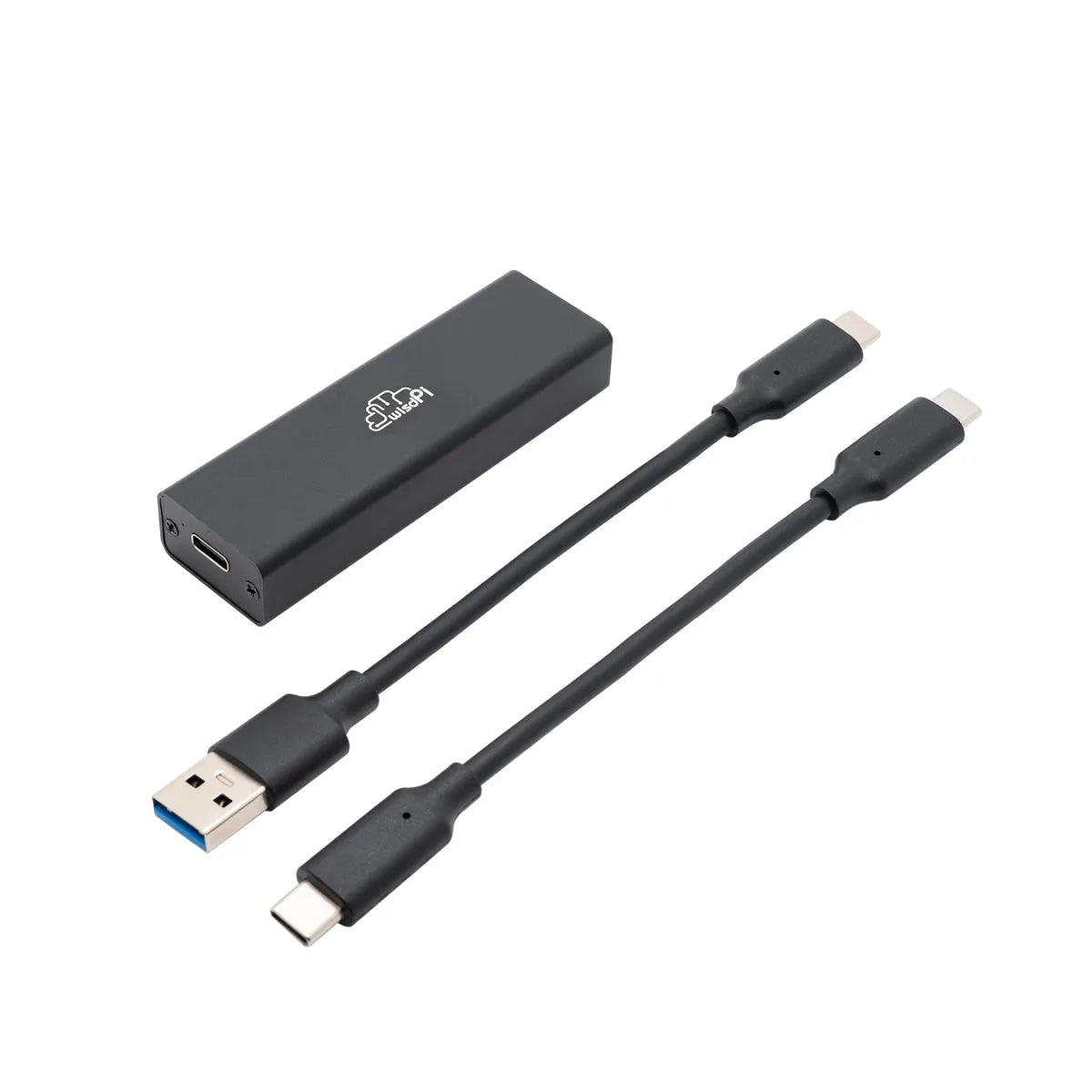


SteadyWin USB to CAN Adapter for Motor Driver Testing
Shipping from China within 5–10 working days
- During check out, you can choose direct shipping from China, or let us import the order to our EU/US office first and ship it to you locally.
- Import customs clearance and VAT are fully handled by us.
Need a larger quantity?
Need bulk pricing?
Get a formal quotation with lead time and volume pricing.
For universities, companies, distributors, and project orders.
SteadyWin USB to CAN Adapter for Motor Driver Testing
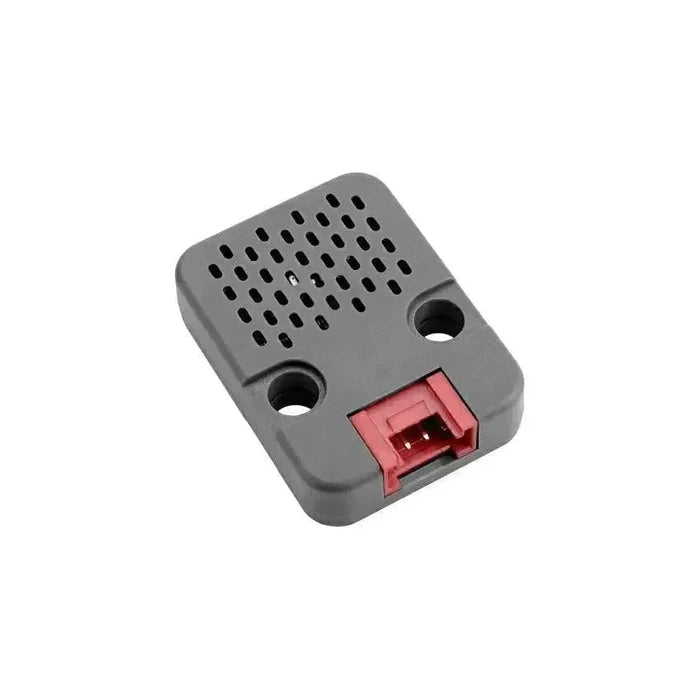
The SteadyWin USB to CAN Adapter connects a computer to the CAN bus of a compatible motor driver. Use it to check communication on a test bench, diagnose a drive that is not responding, or develop CAN-based control for a robot joint.
The adapter provides a USB-C data connection on the computer side and CAN-H and CAN-L terminals on the bus side. It carries data only; the motor driver needs its own power supply. For GDK, GDZ and GDS68 setups, check the driver revision, communication mode and host software before connecting.
Features
- PC-to-CAN connection - Adds a wired CAN interface to a computer through a USB data connection.
- USB-C connector - Use a data-capable USB cable, not a charge-only cable.
- CAN-H and CAN-L terminals - Follow the CAN pinout for the exact drive and harness rather than relying on wire colors.
- Bench diagnostics - Check whether a drive responds on the CAN bus with compatible host software before testing motion.
- Protocol development - Use the drive manufacturer's CAN documentation when integrating status messages and commands into your own software.
Specifications
| Parameter | Value |
|---|---|
| Accessory reference | USB-CAN |
| Computer-side connection | USB-C (data) |
| Drive-side connection | CAN bus, CAN-H and CAN-L terminals |
| Host requirements | Software that supports both the adapter and the motor driver's CAN protocol |
| Drive power | Separate supply required; not provided by the adapter |
Driver Compatibility
CAN support on the drive does not mean its setup or firmware utility accepts a USB-to-CAN adapter. Check the connection method for the task you need to perform.
| Driver or Family | CAN Connection and Setup Notes |
|---|---|
| GDK series | For models covered by the GIM guide, select CAN mode on the drive where applicable. The guide illustrates a different USB-to-CAN adapter; confirm that your version of GIM GUI or other host software recognizes this adapter. |
| GDZ series (GDZ468) | Use the CAN port with software that implements the applicable GDZ CAN protocol. The documented ZE300 GUI setup uses RS-485; this adapter does not replace a USB-to-RS-485 converter. |
| GDS68 | Use the drive's CAN connection when it is configured for CAN. For the documented Motor Wizard setup, connect directly to the drive's own USB-C service port. |
Before connecting: Switch off drive power before wiring. Verify the CAN-H/CAN-L pinout and the required bus termination in the drive documentation. Keep drive power separate. Match the CAN bit rate and protocol, and use the correct node ID where applicable.
Applications
Motor Driver Bench Testing
Start with one powered drive on a bench. Check for a response in compatible CAN software before connecting the drive to a larger network.
Robot Joint Integration
Check the CAN wiring and node configuration of a joint actuator before connecting it to the robot's main controller.
CAN Communication Troubleshooting
When a drive does not respond, compare the host software settings with the drive's selected interface, bit rate and node configuration to narrow down the problem.
Motion-Control Software Development
Use the applicable drive protocol to verify that your software reads status or feedback messages correctly before testing motion commands.
Reference Documents
Manuals & Protocols
Driver Downloads
Packing List
| SKU | Item | Quantity |
|---|---|---|
SteadyWin-UBS-CAN
|
SteadyWin USB to CAN Adapter | 1 |
FAQ
Do I need a data-capable USB cable?
Yes. Use a USB data cable with a USB-C plug at the adapter. A charge-only cable does not carry the data needed to communicate with the computer.
Will GIM GUI recognize this adapter on a GDK setup?
Check your GUI version's adapter support. The official GIM guide documents CAN operation for applicable models, but its illustrated adapter is different from this board.
Can I use it with the GDZ ZE300 GUI?
Not for the documented RS-485 connection. Use the serial connection specified in that manual. Use this adapter only for a separate CAN workflow with compatible software.
Do I need the adapter for GDS68 Motor Wizard setup?
No. The GDS68 manual describes connecting the computer directly to the drive's own USB-C port for Motor Wizard setup. Use a USB-to-CAN adapter for access to the CAN bus instead.
What should I check if the drive does not respond?
Check that the drive is powered and in CAN mode, that the CAN-H and CAN-L wires and termination are correct, and that your software matches the bus bit rate and drive protocol.
Does this adapter support CAN FD?
CAN FD support is not specified for this adapter. If your project requires CAN FD, choose an adapter with explicit support for it.
Can the adapter power my motor driver?
No. It carries communication data only. Use a separate DC supply that meets the motor driver's requirements.
What is included in the package?
One SteadyWin USB to CAN Adapter. No motor drive, power supply or separate cable is included in this listing.
1. General Shipping Information
- We provide reliable shipping services with a tracking number for each order.
- Shipping addresses must be entered in English and should not contain special symbols, so that the courier system can recognize your location correctly.
- Please make sure your shipping address is accurate before placing your order. We ship strictly according to the address provided at checkout.
- In-stock orders are usually dispatched within 1 business day after order confirmation.
- Estimated delivery times refer to the period after dispatch and do not include order processing time, weekends, public holidays, customs inspection, or force majeure delays.
- If you need to cancel or modify your order, please contact us before the order is marked as “Shipped”. Once shipped, the order cannot be canceled or changed.
🚀 Need Faster Shipping?
If you require expedited shipping, please contact our customer support team at info@openelab.io for a customized quote based on your destination.
2. Shipping Rates & Options
Shipping rates are calculated based on order value, destination, and available shipping methods. The final available options will be displayed at checkout.
2.1 Germany Domestic Shipping
| Shipping Method | Order Value | Cost | Est. Delivery |
|---|---|---|---|
| Deutsche Post | €0.00 - €50.00 | €4.95 | 2-4 Business Days |
| Deutsche Post | Over €50.00 | Free | 2-4 Business Days |
|
DHL Paket (Faster Delivery) |
€0.00 - €50.00 | €6.95 | 1-3 Business Days |
|
DHL Paket (Faster Delivery) |
€50.00 - €100.00 | €2.00 | 1-3 Business Days |
|
DHL Paket (Faster Delivery) |
Over €100.00 | Free | 1-3 Business Days |
2.2 Selected EU Countries / Regions
Available EU shipping destinations are shown at checkout based on your shipping address. For orders shipped to selected EU countries or regions outside Germany, we use FedEx Regional Economy.
| Shipping Method | Order Value | Cost | Est. Delivery |
|---|---|---|---|
| FedEx Regional Economy | €0.00 - €100.00 | €7.95 | 3-5 Business Days |
| FedEx Regional Economy | Over €100.00 | Free | 3-5 Business Days |
EU orders may be fulfilled from our Munich warehouse or, when applicable, from our Shenzhen warehouse depending on inventory availability. For EU member states, OpenELAB covers applicable import duties and taxes under DDP service where required.
2.3 United States
| Region | Shipping Method | Order Value | Cost | Est. Delivery |
|---|---|---|---|---|
|
Continental U.S. (50 States) |
USPS Ground Advantage | €0.00 - €45.00 | €4.95 | 3-7 Business Days |
| USPS Ground Advantage | Over €45.00 | Free | 3-7 Business Days | |
| USPS Priority Mail | €0.00 - €45.00 | €16.95 | 1-4 Business Days | |
| USPS Priority Mail | Over €45.00 | €14.95 | 1-4 Business Days | |
|
Non-Continental U.S. (AK, HI, PR, etc.) |
USPS Ground Advantage | €0.00 - €60.00 | €6.95 | 5-9 Business Days |
| USPS Ground Advantage | Over €60.00 | Free | 5-9 Business Days |
Non-Continental U.S. regions include Alaska, American Samoa, Guam, Hawaii, the Marshall Islands, the Northern Mariana Islands, Palau, Puerto Rico, the U.S. Virgin Islands, and U.S. Armed Forces addresses.
2.4 International Destinations Outside the EU
For selected international destinations outside the EU, including Switzerland, the United Kingdom, and Norway, shipping rates are as follows:
| Order Amount | Shipping Cost |
|---|---|
| €0.00 - €300.00 | €19.95 |
| Over €300.00 | Free |
For non-EU destinations, import duties, taxes, and customs fees may be charged by the destination country and are the responsibility of the recipient.
3. Warehouses & Fulfillment
Our products may be stored in our Munich, Arlington, and Shenzhen warehouses. The actual shipping warehouse depends on product availability and destination.
3.1 Munich Warehouse
For products stored in our Munich warehouse, we use Deutsche Post or DHL Paket for domestic deliveries within Germany. For selected EU destinations outside Germany, we use FedEx Regional Economy.
3.2 Arlington Warehouse
For products stored in our Arlington warehouse, we use USPS or UPS for deliveries within the United States.
3.3 Shenzhen Warehouse
For pre-order items or products fulfilled directly from our Shenzhen warehouse, we arrange reliable international shipping based on destination and inventory status. For EU member states, OpenELAB covers applicable import duties and taxes under DDP service where required.
4. Inventory, Pre-orders & Split Shipments
- Inventory Status: Please check the product page for real-time stock information. If an item is out of stock in our local warehouses, it may be marked as “Pre-order”.
- Pre-order Fulfillment: Pre-order items may be shipped directly from Shenzhen or restocked to a local warehouse first before final delivery.
- Split Shipments: If your order contains both in-stock and pre-order items, we may ship them separately. No additional shipping fee will be charged for split shipments caused by our fulfillment arrangement.
5. Customs, Taxes & Delivery Issues
5.1 Customs and Taxes
For EU Member States:
Whether shipped from Germany or China, OpenELAB covers applicable import duties and taxes under DDP service where required. Customers in EU member states should not be charged additional import duties or VAT upon delivery.
For destinations outside the European Union, such as Switzerland, Norway, and the United Kingdom, import duties, taxes, and customs fees may be charged by local authorities upon delivery. These fees are the responsibility of the recipient.
5.2 Damaged, Delayed, or Lost Parcels
Please inspect your parcel upon delivery where possible. If you notice visible damage, please report it to the courier and contact us as soon as possible. This does not affect your statutory consumer rights.
If your parcel is delayed, lost, returned to sender, or the tracking information has not updated for an unusual period of time, please contact us at info@openelab.io. We will assist you in checking the shipment status with the courier.
5.3 Incorrect Address or Failed Delivery
If a parcel cannot be delivered due to an incorrect or incomplete address provided by the customer, refusal of delivery, or failure to collect the parcel, additional shipping or return costs may apply.
6. VAT
For orders within the EU, VAT is collected at checkout according to the applicable destination rules. No additional VAT should be collected upon delivery for EU member state orders covered under our DDP shipping arrangement.


