
 openelab.de
 openelab.com









































Hiwonder TurboPi Raspberry Pi Robot Car - Mecanum, Vision & ROS2 Kits
Shipping from China within 5–10 working days
- During check out, you can choose direct shipping from China, or let us import the order to our EU/US office first and ship it to you locally.
- Import customs clearance and VAT are fully handled by us.
Need a larger quantity?
Need bulk pricing?
Get a formal quotation with lead time and volume pricing.
For universities, companies, distributors, and project orders.
Hiwonder TurboPi Raspberry Pi Robot Car - Mecanum, Vision & ROS2 Kits
Hiwonder TurboPi is a Raspberry Pi robot car kit for learning how software turns camera images and sensor readings into movement. Its four-wheel Mecanum chassis, movable camera and Python examples give students, makers and educators a practical route from first robot-control projects to computer vision. Choose Advanced for ROS2 and voice AI, or Ultimate for a robot that can also grip and carry small objects.
Choose Your TurboPi Kit
- Standard Kit
- For Python and OpenCV learning: remote driving, camera streaming, color and face tracking, line following, QR recognition and ultrasonic experiments. Uses the Standard Debian-based software path. No WonderEcho Pro voice box or robotic arm; this is not the ROS2 kit.
- Advanced Kit
- For Raspberry Pi 5 ROS2 learning and multimodal AI experiments. Adds WonderEcho Pro voice hardware, higher-capacity battery cells and the ROS2 Humble/Docker learning environment. Includes the supported voice, vision-language and basic OpenClaw learning path. No robotic arm.
- Ultimate Kit
- For mobile manipulation: the Advanced-level platform plus a 2DOF robotic arm, linkage and metal gripper. Explore coordinated driving, grasping, sorting and transport, including the Ultimate OpenClaw embodied-AI demonstrations.
Select both the kit and the controller option. RAM size does not change Standard into Advanced, and a camera pan-tilt is not a robotic arm. The combinations available on this page are:
| Standard / Raspberry Pi 4B | Without Raspberry Pi 4B; or with Raspberry Pi 4B 4GB. |
|---|---|
| Standard / Raspberry Pi 5 | Without Raspberry Pi 5; or with Raspberry Pi 5 2GB, 4GB or 8GB. |
| Advanced / Raspberry Pi 5 | Without Raspberry Pi 5; or with Raspberry Pi 5 2GB, 4GB, 8GB or 16GB. |
| Ultimate / Raspberry Pi 5 | Without Raspberry Pi 5; or with Raspberry Pi 5 2GB, 4GB, 8GB or 16GB. |
Choose a controller-free kit when you already have the matching Raspberry Pi. The Pi 4B and Pi 5 configurations use different expansion-board and cooling arrangements. Options marked Without Raspberry Pi do not include the Raspberry Pi board, card reader or 32GB TF/microSD card shown as optional in the packing illustrations. Supply a compatible board and system storage, and install the matching TurboPi image.
Move Sideways, Turn in Place and Track a Target
The four Mecanum wheels and TT motors let TurboPi move forward, backward, sideways and diagonally, as well as rotate on the spot. This makes it useful for exploring wheel-speed coordination and omnidirectional motion without a steering linkage. Begin with basic movements, then combine them into routes or camera-guided behaviors.

Two anti-stall servos aim the camera independently of the chassis. The specified pan-tilt travel is approximately 180 degrees horizontally and 130 degrees vertically. This is different from the lens's viewing angle: the camera does not see a full 360-degree panorama at once. Pan-tilt movement combined with turning the chassis expands the area it can inspect.

See What the Robot Sees
Use the WonderPi app for Android or iOS for driving and supported interactive modes with live camera feedback. A computer connected through VNC provides access to the robot desktop for calibration and programming; SSH supports command-line development. Direct Wi-Fi access-point mode is convenient for local control, while LAN mode connects the robot to your existing network.

Experiment with color recognition, target tracking and line following while watching the camera view. Tracking projects connect the detected target position to camera or chassis movement. Current software materials also describe KCF tracking; use the tutorial and system image that match your kit rather than assuming every app release has identical modes.
Build Computer-Vision Projects
- Color recognition and positioning: identify colored objects, highlight their location and trigger programmed responses. Color-threshold adjustment makes the link between lighting, image processing and detection results easy to study.
- Target and face tracking: keep a detected target in view by adjusting the pan-tilt or coordinating the robot's movement.
- QR-code interaction: read a printed code and associate its content with a programmed robot action. Current extended materials also cover visual tag recognition.
- Gesture interaction: use a visible hand gesture or finger count as an input to a robot behavior. Keep the hand clearly visible and use suitable lighting.
- Visual line following: detect a path from the camera image and correct the direction using a feedback-control routine, including PID examples.
Advanced/Ultimate learning extensions: the Advanced course expands into MediaPipe face and body landmarks, hand keypoints, fingertip-distance recognition, body gesture control, background segmentation and 3D object/face estimation. These are image-processing exercises; they do not mean the kit contains a depth camera or LiDAR.

The machine-learning course covers image collection, annotation, dataset conversion, training and detection, including a traffic-sign model. Current Hiwonder materials describe YOLO26 for detection and related vision tasks; older TurboPi repository material references YOLOv5. Follow the supplied software release and its matching examples. Model training may require a separate suitable computer or service; the kit does not include an NVIDIA GPU or a guaranteed inference frame rate.

Explore Line Following and Obstacle Avoidance
TurboPi offers two distinct ways to follow a path: a four-channel infrared line sensor reads the surface beneath the robot, while camera-based line following uses image processing. Compare the two approaches and investigate why sensor placement, lighting, line contrast and control tuning matter.

The four-probe sensor supports exercises with curves, right-angle turns, T-junctions and crossroads. Hiwonder describes a 0.5-6cm line-width range; practical detection depends on the track and setup. Use a clear, high-contrast course and calibrate it before running a route.

Combine line-following with traffic-light color recognition to stop or move on a model course. Higher-level vision lessons add trained road-sign recognition for turning decisions. These are supervised educational demonstrations, not public-road autonomous driving.

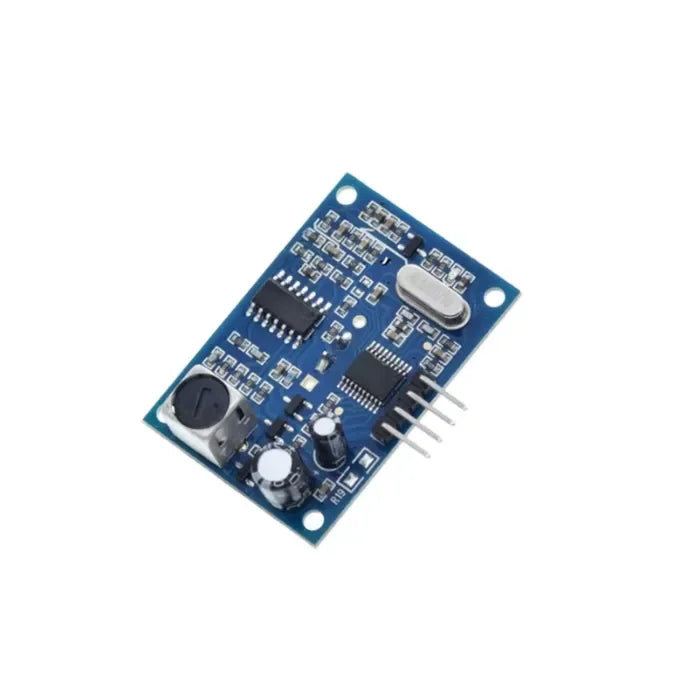
The front ultrasonic module measures distance to obstacles, allowing you to program a stop or turn at a chosen threshold. Its illuminated RGB elements also provide a visible output for status or interaction experiments. Ultrasonic avoidance is not the same as map-based SLAM navigation, and it does not guarantee collision prevention.

Advanced and Ultimate: Voice, Vision-Language Models and OpenClaw
WonderEcho Pro adds microphone and speaker interaction to the Raspberry Pi 5 platform. The tutorials cover voice-module installation, wake-up and firmware selection, speech recognition, spoken responses and connecting recognized instructions to robot actions.

- Spoken motion instructions: interpret a request such as moving forward and then turning, and translate it into a sequence of supported robot actions.
- Scene questions and visual assistance: pass camera information to a compatible vision-language service to identify objects, describe a scene or answer a question about what is visible. OCR/text-recognition examples extend this to printed information.
- Visual tracking and patrol: combine an interpreted instruction with object tracking, colored-line following or an obstacle response.
- OpenClaw basic workflow: explore agent installation, model/API configuration, tool binding, custom action invocation and cross-platform interaction, including the manufacturer's Telegram integration examples.
- Ultimate embodied-AI projects: combine navigation on a prepared course with the gripper to locate, pick up and deliver an object. Current manufacturer material also describes task decomposition, execution feedback, retrieval/vector memory, information aggregation and proactive responses as configurable software-learning workflows.
Current Hiwonder materials reference services such as ChatGPT, Gemini, Grok and Llama. Provider availability and supported integrations depend on the installed software. Online large-model functions require internet access, your own compatible account, API credentials and any applicable paid credits. They are not unlimited, fully offline AI included in the hardware price. Wake-word behavior depends on voice-box firmware; conversational and agent features need setup and supervised testing.
Ultimate: Add Gripping and Transport
The Ultimate Kit's 2DOF arm and metal gripper add physical interaction to a vision car. Practice lifting and gripping, editing servo action sequences, color-based sorting and combining movement with pickup and delivery. The arm is separate from the 2DOF camera pan-tilt and is not included with Standard or Advanced.

Use lightweight objects suited to the gripper and keep hands clear of moving joints. Demonstration props, warehouse layouts and computers shown in application images are not included unless listed below. A rated arm payload has not been specified for these kits, so do not select it for a guaranteed load-handling requirement.
Hardware for Hands-On Development
A metal chassis supports the camera, motors, sensors and Raspberry Pi. The dedicated expansion board handles actuator and sensor connections, letting the Raspberry Pi focus on higher-level software. Pi 5 and Pi 4B editions have their own board layout and cooling arrangement.

The manufacturer's expansion-board diagrams identify four motor channels, six PWM servo connections, two bus-servo connections, three I2C ports and two GPIO ports, plus RGB indicators, a buzzer, a function button and power switching. Some connections are occupied by the supplied hardware. Check connector pinouts, voltage and software support before adding third-party modules.
The accessible construction is suitable for practicing assembly and wiring as well as coding. Optional compatible electronic modules or building-block structures can extend a project; the fan and building blocks in this example are not part of the standard packing list.

What's Included
All kits include the chassis/bracket set, four Mecanum wheels, TT motors, HD camera and USB camera cable, camera pan-tilt servos, four-channel line follower, illuminated ultrasonic sensor, matching Raspberry Pi expansion board, battery holder, two 18650 cells, battery charger with USB cable, EVA balls and assembly accessories. Cooling differs by controller: Pi 4B uses heatsinks; Pi 5 uses active cooling and thermal pads.
Standard: two 1800mAh cells. Advanced and Ultimate: two 2200mAh cells, WonderEcho Pro voice box and Type-C cable. Ultimate additionally: metal gripper, arm linkage assembly and its mounting hardware. Capacity is stated per cell, not the sum of two cells.
The Raspberry Pi board, card reader and 32GB TF card in the following illustrations are included only in With Raspberry Pi options. RAM is the value selected on this page, not a separate kit tier.
Standard Kit / Raspberry Pi 4B packing list

Standard Kit / Raspberry Pi 5 packing list

Advanced Kit / Raspberry Pi 5 packing list

Ultimate Kit / Raspberry Pi 5 packing list

Getting Started and Learning Resources
- Assemble the chassis, fit the Mecanum wheels in the documented orientation, connect the camera and sensors, and check wiring with power disconnected.
- Use the correct Raspberry Pi board and TurboPi system image for your kit. A controller-free kit needs your own board and microSD storage.
- Charge the batteries with the supplied compatible charger, then follow the power-on procedure. Do not run the robot while charging.
- Connect the app or VNC desktop, center/calibrate the pan-tilt and adjust color thresholds for your lighting.
- Start with manual motion and sensing, then progress to vision, ROS2 or AI lessons appropriate to your kit. Configure online services only when a lesson needs them.

Standard lessons cover setup, motion, ten vision-project topics and network configuration. Advanced lessons add the ROS2 workspace, Docker access, URDF modeling, MediaPipe, dataset/model training and large-model integration. Python, basic Linux use and a willingness to calibrate and debug will help you get more from the kit.
- TurboPi Standard tutorials and downloads
- TurboPi Advanced ROS2 tutorials and downloads
- Voice-module and large-model setup guide
- Hiwonder TurboPi GitHub repository
Use the kit-matched documentation for image downloads, utilities and source examples. An older repository or tutorial may not match the latest system image; do not replace a working robot environment with unrelated Raspberry Pi or ROS packages.
Specifications
| Platform | Raspberry Pi 4B or Pi 5, selected by variant; controller-free options available. |
|---|---|
| Base chassis | Metal construction; four TT motors and four Mecanum wheels. |
| Base robot size / weight | Approximately 187 x 162 x 139mm; 0.8kg. These are the manufacturer's base-robot figures, not a guaranteed Ultimate arm-equipped envelope or shipping weight. |
| Wheel dimensions | Approximately 60mm diameter x 30mm width. |
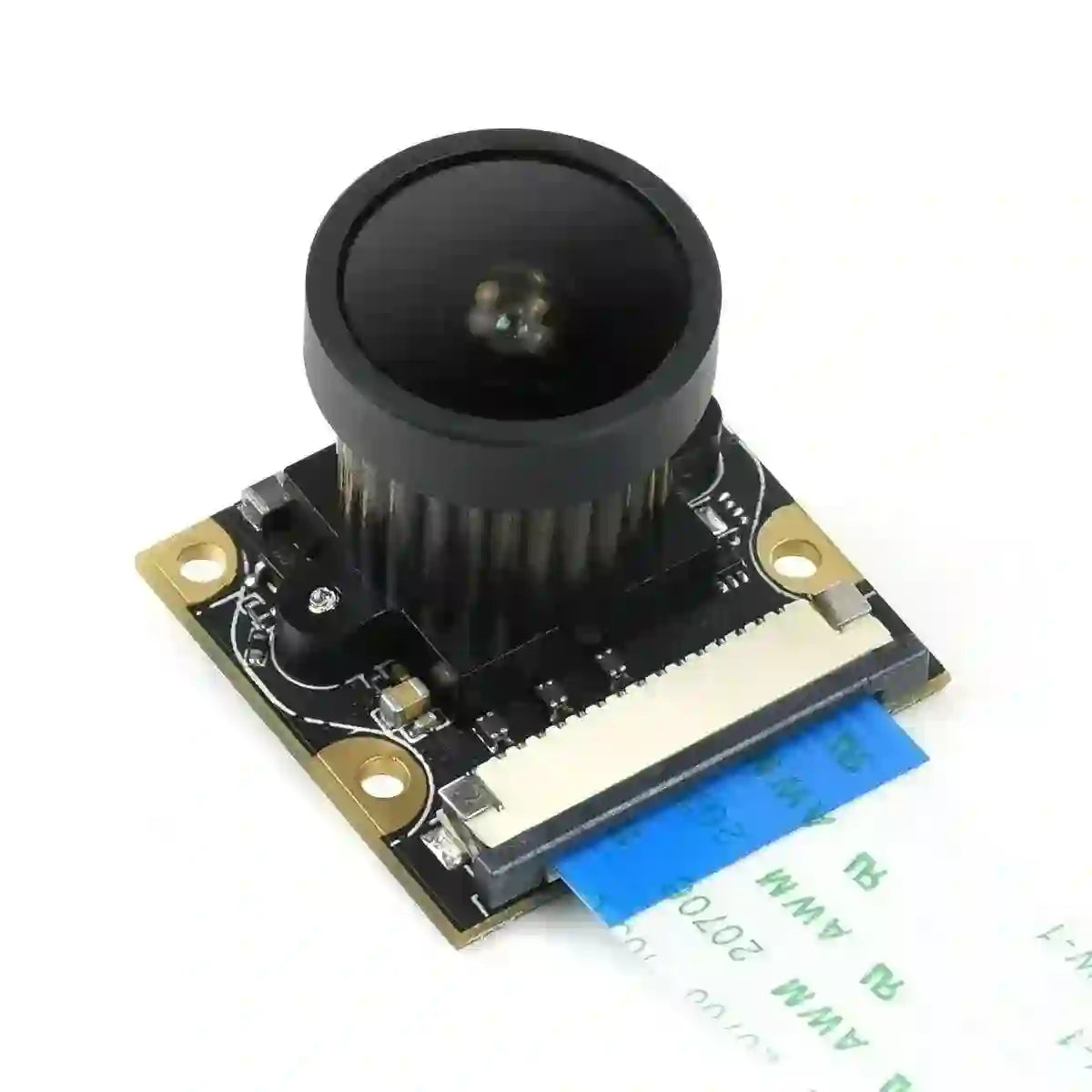
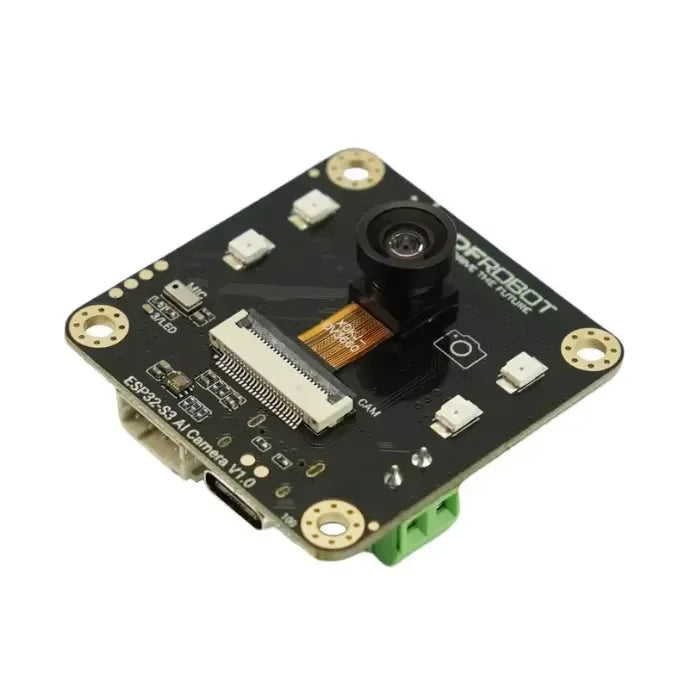
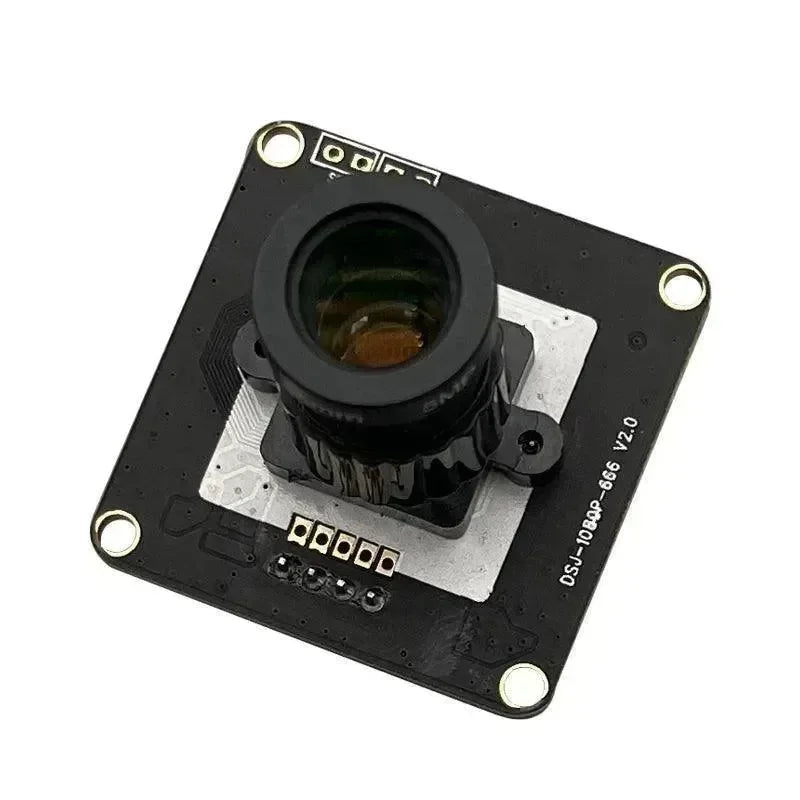
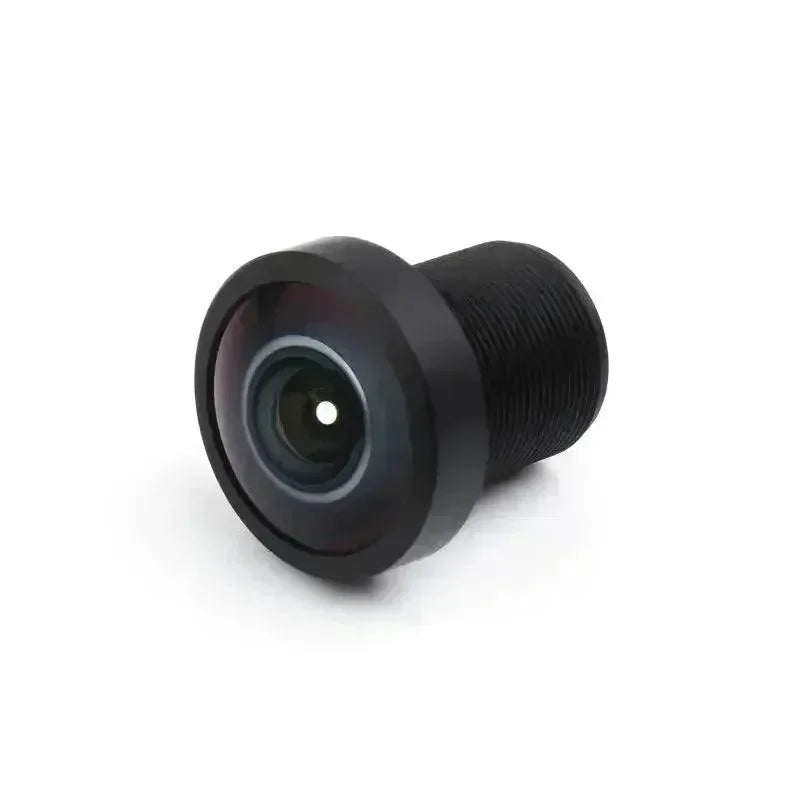
| Camera | 480P / maximum 640 x 480, USB 2.0, fixed focus; manufacturer-stated 130-degree lens field of view. Suggested object distance: 30cm to infinity. |
| Camera pan-tilt | 2DOF, LFD-01 anti-stall servos; approximately 180-degree horizontal and 130-degree vertical travel. |
| Sensors | Illuminated ultrasonic distance sensor and four-channel infrared line follower. |
| Connectivity / control | Wi-Fi or Ethernet; WonderPi Android/iOS app, VNC desktop and supported SSH development. |
| Software | Python/OpenCV; Standard Debian-based path. Advanced/Ultimate: ROS2 Humble with Ubuntu/Docker environment and kit-matched AI examples. |
| Power | Two rechargeable 18650 lithium cells; 1800mAh per cell on Standard, 2200mAh per cell on Advanced/Ultimate. |
| Typical operating time | Manufacturer estimate of about 60 minutes; movement, processing workload, battery condition and accessories affect runtime. |
| Advanced / Ultimate voice module | WonderEcho Pro with USB Type-C connection. |
| Ultimate arm | 2DOF arm with metal gripper; not supplied with the other kit levels. |

Camera hardware details

Frequently Asked Questions
Does every TurboPi kit support ROS2?
No. Select Advanced or Ultimate with the Raspberry Pi 5 configuration for the supported ROS2 Humble/Docker learning path. Standard is for Python/OpenCV and does not become a ROS2 kit simply by selecting more RAM.
Is a Raspberry Pi included?
Only options beginning with With Raspberry Pi include the selected board. Without Raspberry Pi options require your own matching board, card reader/system storage and software installation; the optional board/card group in the packing pictures is excluded.
What does Ultimate add over Advanced?
The robotic arm, linkage and metal gripper for pickup, sorting and transport projects. Both tiers have the higher-level voice/ROS2 platform, but a Standard or Advanced camera pan-tilt cannot grip objects.
Can it use ChatGPT without internet or a subscription?
The documented online model workflows need internet, your own API credentials and any provider-required credits. Basic robot control and local vision lessons are separate from those cloud services. No unlimited AI subscription is included.
Can I use it for LiDAR SLAM or outdoor autonomous driving?
The listed kits provide camera, infrared line and ultrasonic experiments, not a LiDAR/depth-camera SLAM package. Use a dry, level, supervised test area. Model-road demonstrations do not make it a road-ready or weatherproof vehicle.
Does more RAM add hardware or guarantee faster AI?
No. RAM changes the selected Raspberry Pi's memory capacity; it does not add the voice box, gripper or different sensors. Actual speed depends on the model, image resolution, software and any remote service being used.
Do I need to assemble or program it?
Plan for kit assembly, wiring checks, charging, network setup and calibration. Guided examples offer a starting point; extending them requires Python and, for higher-level kits, familiarity with Linux and ROS2 concepts.
Why might color or line tracking behave differently in my room?
Lighting, background colors, camera angle and track contrast affect detection. Adjust the color thresholds, check wheel orientation and pan-tilt alignment, and use the matching lesson's setup before changing the algorithm.
Are all objects and accessories shown in the demonstrations included?
No. Phones, computers, displays, road layouts, signs, building blocks and extra demonstration objects are not included unless explicitly listed. Check the four kit packing lists above; the arm is Ultimate-only and the controller follows the selected option.
Where are the software and recovery instructions?
The linked Standard and Advanced documentation includes image-burning, remote access, network and course resources. Match the download to your kit and board generation; current YOLO26 examples and older YOLOv5 material may require different software images.
1. General Shipping Information
- We provide reliable shipping services with a tracking number for each order.
- Shipping addresses must be entered in English and should not contain special symbols, so that the courier system can recognize your location correctly.
- Please make sure your shipping address is accurate before placing your order. We ship strictly according to the address provided at checkout.
- In-stock orders are usually dispatched within 1 business day after order confirmation.
- Estimated delivery times refer to the period after dispatch and do not include order processing time, weekends, public holidays, customs inspection, or force majeure delays.
- If you need to cancel or modify your order, please contact us before the order is marked as “Shipped”. Once shipped, the order cannot be canceled or changed.
🚀 Need Faster Shipping?
If you require expedited shipping, please contact our customer support team at info@openelab.io for a customized quote based on your destination.
2. Shipping Rates & Options
Shipping rates are calculated based on order value, destination, and available shipping methods. The final available options will be displayed at checkout.
2.1 Germany Domestic Shipping
| Shipping Method | Order Value | Cost | Est. Delivery |
|---|---|---|---|
| Deutsche Post | €0.00 - €50.00 | €4.95 | 2-4 Business Days |
| Deutsche Post | Over €50.00 | Free | 2-4 Business Days |
|
DHL Paket (Faster Delivery) |
€0.00 - €50.00 | €6.95 | 1-3 Business Days |
|
DHL Paket (Faster Delivery) |
€50.00 - €100.00 | €2.00 | 1-3 Business Days |
|
DHL Paket (Faster Delivery) |
Over €100.00 | Free | 1-3 Business Days |
2.2 Selected EU Countries / Regions
Available EU shipping destinations are shown at checkout based on your shipping address. For orders shipped to selected EU countries or regions outside Germany, we use FedEx Regional Economy.
| Shipping Method | Order Value | Cost | Est. Delivery |
|---|---|---|---|
| FedEx Regional Economy | €0.00 - €100.00 | €7.95 | 3-5 Business Days |
| FedEx Regional Economy | Over €100.00 | Free | 3-5 Business Days |
EU orders may be fulfilled from our Munich warehouse or, when applicable, from our Shenzhen warehouse depending on inventory availability. For EU member states, OpenELAB covers applicable import duties and taxes under DDP service where required.
2.3 United States
| Region | Shipping Method | Order Value | Cost | Est. Delivery |
|---|---|---|---|---|
|
Continental U.S. (50 States) |
USPS Ground Advantage | €0.00 - €45.00 | €4.95 | 3-7 Business Days |
| USPS Ground Advantage | Over €45.00 | Free | 3-7 Business Days | |
| USPS Priority Mail | €0.00 - €45.00 | €16.95 | 1-4 Business Days | |
| USPS Priority Mail | Over €45.00 | €14.95 | 1-4 Business Days | |
|
Non-Continental U.S. (AK, HI, PR, etc.) |
USPS Ground Advantage | €0.00 - €60.00 | €6.95 | 5-9 Business Days |
| USPS Ground Advantage | Over €60.00 | Free | 5-9 Business Days |
Non-Continental U.S. regions include Alaska, American Samoa, Guam, Hawaii, the Marshall Islands, the Northern Mariana Islands, Palau, Puerto Rico, the U.S. Virgin Islands, and U.S. Armed Forces addresses.
2.4 International Destinations Outside the EU
For selected international destinations outside the EU, including Switzerland, the United Kingdom, and Norway, shipping rates are as follows:
| Order Amount | Shipping Cost |
|---|---|
| €0.00 - €300.00 | €19.95 |
| Over €300.00 | Free |
For non-EU destinations, import duties, taxes, and customs fees may be charged by the destination country and are the responsibility of the recipient.
3. Warehouses & Fulfillment
Our products may be stored in our Munich, Arlington, and Shenzhen warehouses. The actual shipping warehouse depends on product availability and destination.
3.1 Munich Warehouse
For products stored in our Munich warehouse, we use Deutsche Post or DHL Paket for domestic deliveries within Germany. For selected EU destinations outside Germany, we use FedEx Regional Economy.
3.2 Arlington Warehouse
For products stored in our Arlington warehouse, we use USPS or UPS for deliveries within the United States.
3.3 Shenzhen Warehouse
For pre-order items or products fulfilled directly from our Shenzhen warehouse, we arrange reliable international shipping based on destination and inventory status. For EU member states, OpenELAB covers applicable import duties and taxes under DDP service where required.
4. Inventory, Pre-orders & Split Shipments
- Inventory Status: Please check the product page for real-time stock information. If an item is out of stock in our local warehouses, it may be marked as “Pre-order”.
- Pre-order Fulfillment: Pre-order items may be shipped directly from Shenzhen or restocked to a local warehouse first before final delivery.
- Split Shipments: If your order contains both in-stock and pre-order items, we may ship them separately. No additional shipping fee will be charged for split shipments caused by our fulfillment arrangement.
5. Customs, Taxes & Delivery Issues
5.1 Customs and Taxes
For EU Member States:
Whether shipped from Germany or China, OpenELAB covers applicable import duties and taxes under DDP service where required. Customers in EU member states should not be charged additional import duties or VAT upon delivery.
For destinations outside the European Union, such as Switzerland, Norway, and the United Kingdom, import duties, taxes, and customs fees may be charged by local authorities upon delivery. These fees are the responsibility of the recipient.
5.2 Damaged, Delayed, or Lost Parcels
Please inspect your parcel upon delivery where possible. If you notice visible damage, please report it to the courier and contact us as soon as possible. This does not affect your statutory consumer rights.
If your parcel is delayed, lost, returned to sender, or the tracking information has not updated for an unusual period of time, please contact us at info@openelab.io. We will assist you in checking the shipment status with the courier.
5.3 Incorrect Address or Failed Delivery
If a parcel cannot be delivered due to an incorrect or incomplete address provided by the customer, refusal of delivery, or failure to collect the parcel, additional shipping or return costs may apply.
6. VAT
For orders within the EU, VAT is collected at checkout according to the applicable destination rules. No additional VAT should be collected upon delivery for EU member state orders covered under our DDP shipping arrangement.


