 openelab.de
 openelab.com



























































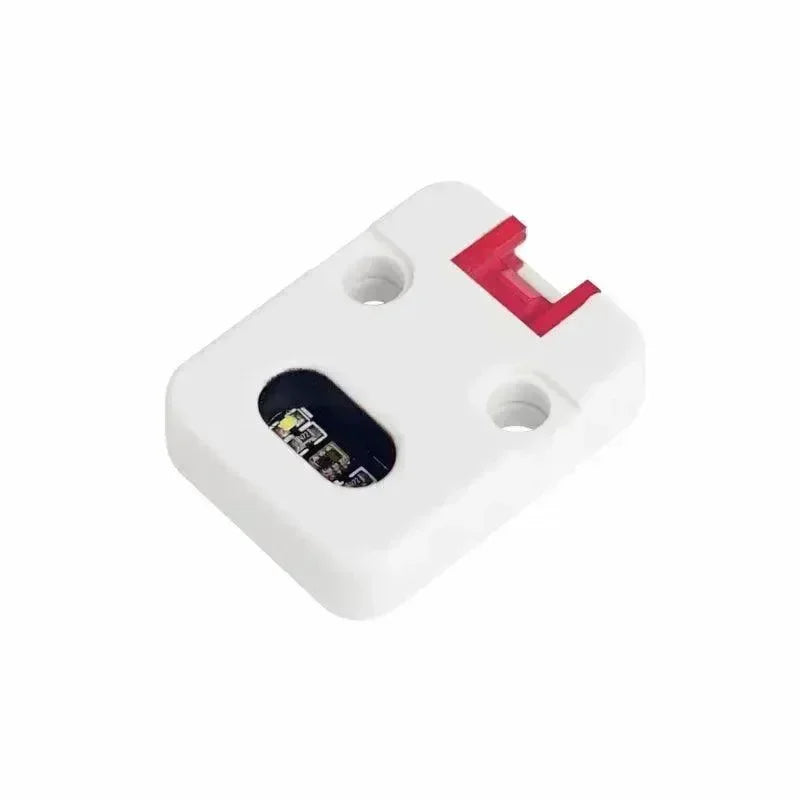























Le module de capteur de détection vous permet de configurer une broche GPIO à surveiller pour un état haut/bas spécifié et d'envoyer des alertes textuelles via le portnum du capteur de détection lorsqu'un événement est détecté. Cela est particulièrement utile pour les capteurs de détection de mouvement, les interrupteurs à lames et autres systèmes d'état ouvert/fermé où des notifications via le maillage sont souhaitées. Les options de configuration incluent : Activé, Intervalle minimum de diffusion, Intervalle de diffusion d'état, Envoyer la sonnerie, Nom, Broche de surveillance, Détection déclenchée haute et Utiliser la résistance de tirage.
Pour utiliser ce module, assurez-vous que vos appareils disposent de la version du firmware 2.2.2 ou supérieure.
Valeurs de configuration du module de capteur de détection
Activé : Indique si le module est activé.
Intervalle minimum de diffusion : L'intervalle, en secondes, à laquelle nous pouvons envoyer un message au réseau maillé lorsqu'un changement d'état est détecté.
Intervalle de diffusion d'état : L'intervalle, en secondes, à laquelle nous devons envoyer un message au réseau maillé avec l'état actuel, indépendamment des changements. Lorsqu'il est réglé à 0, seuls les changements d'état seront diffusés. Cela agit comme un battement de cœur de statut pour la tranquillité d'esprit.
Envoyer une sonnerie : Envoie une sonnerie ASCII avec le message d'alerte, utile pour déclencher une notification externe sur le nom de la sonnerie.
Nom convivial : Utilisé pour formater le message envoyé au réseau maillé. Par exemple, un nom comme "Mouvement" produirait un message disant "Mouvement détecté." La longueur maximale est de 20 caractères.
Broche de surveillance : La broche GPIO qui sera surveillée pour les changements d'état.
Détection déclenchée sur haut : Indique si la détection de l'état de la broche GPIO est déclenchée sur HAUT (1) ou BAS (0).
Utiliser Pull-up : Indique s'il faut utiliser le mode INPUT_PULLUP pour la broche GPIO, applicable uniquement si la carte utilise des résistances pull-up sur la broche.
Client du module du capteur de détection
Android
Toutes les options de configuration du module du capteur de détection sont disponibles pour Android dans la version de l'application 2.2.2 et supérieures.
-
Ouvrez l'application Meshtastic
-
Naviguez vers : Ellipse verticale (3 points en haut à droite) > Configuration radio > Capteur de détection.
Apple
Toutes les options de configuration pour le module du capteur de détection sont disponibles sur les versions d'applications iOS, iPadOS et macOS 2.2.2 et supérieures. Pour y accéder, allez dans Réglages > Configuration du module > Capteur de détection.
CLI
Toutes les options de configuration pour le module du capteur de détection sont disponibles dans la version Python CLI 2.2.2 et supérieures.
-
Activer/Désactiver le module du capteur de détection
| meshtastic --set detection_sensor.enabled true meshtastic --set detection_sensor.enabled false |
-
Définissez l'intervalle minimum de diffusion à 90 secondes
| meshtastic --set detection_sensor.minimum_broadcast_secs 90 |
-
Définir l'intervalle de diffusion d'état à 5 minutes
| meshtastic --set detection_sensor.state_broadcast_secs 300 |
-
Activer/Désactiver l'envoi de sonnerie
| meshtastic --set detection_sensor.send_bell true meshtastic --set detection_sensor.send_bell false |
-
Définir le nom convivial sur 'motion'
| meshtastic --set detection_sensor.name "motion" |
-
Définir la broche de surveillance sur 7
| meshtastic --set detection_sensor.monitor_pin 7 |
-
Activer les notifications lorsque la broche de surveillance passe à HAUT
| meshtastic --set detection_sensor.detection_triggered_high true |
-
Activer les notifications lorsque la broche de surveillance passe à BAS
| meshtastic --set detection_sensor.detection_triggered_high false |
-
Activer l'utilisation du mode INPUT_PULLUP
| meshtastic --set detection_sensor.use_pullup true |
-
Obtenir la configuration du module Capteur de Détection
| meshtastic --get detection_sensor |
Web
Toutes les options de configuration pour le module Capteur de Détection sont disponibles dans l'interface Web.




