openelab.de
 openelab.com











































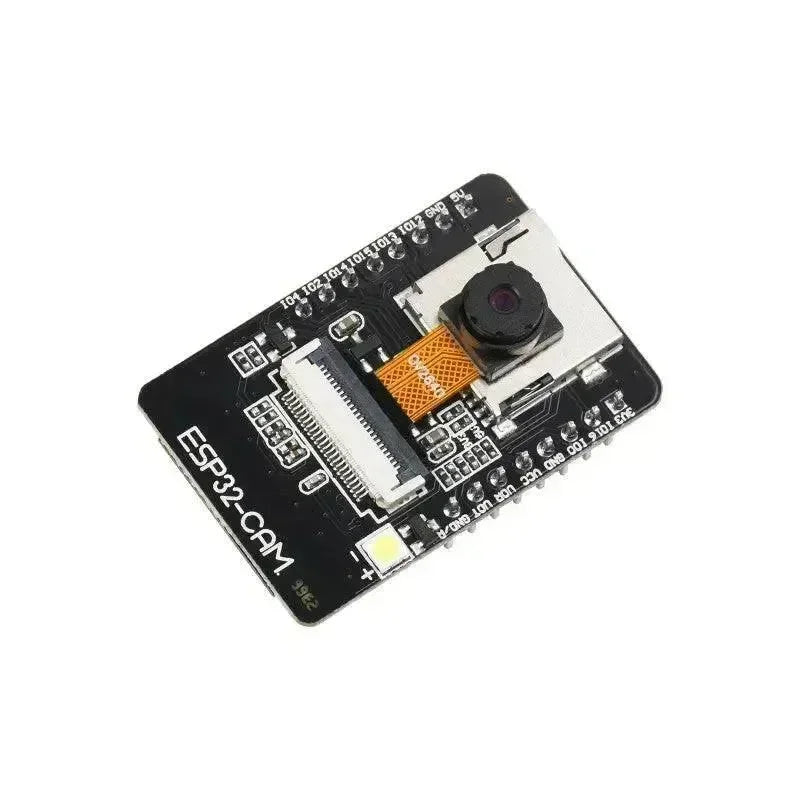
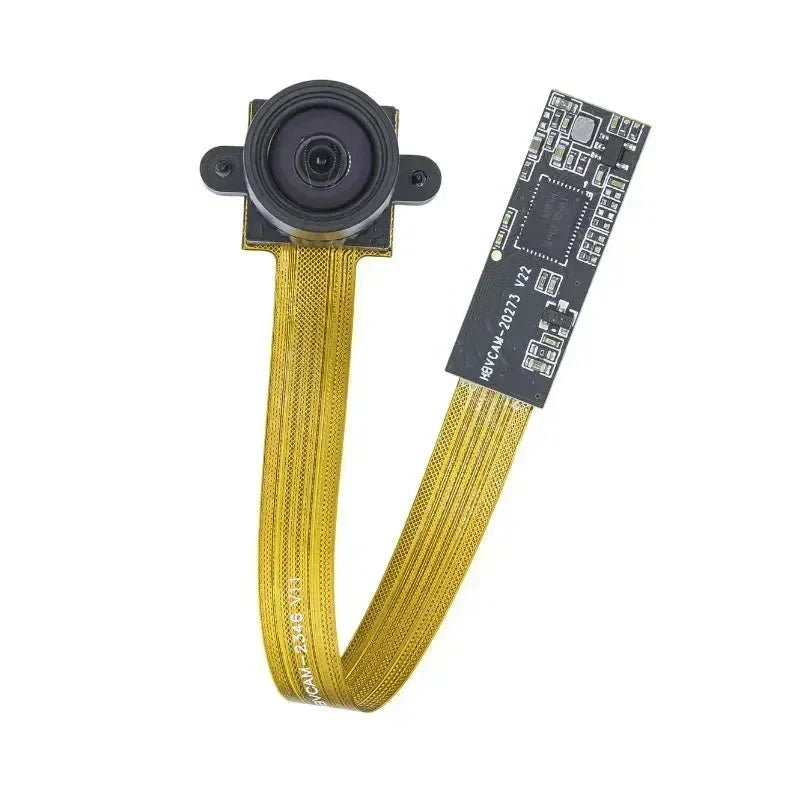










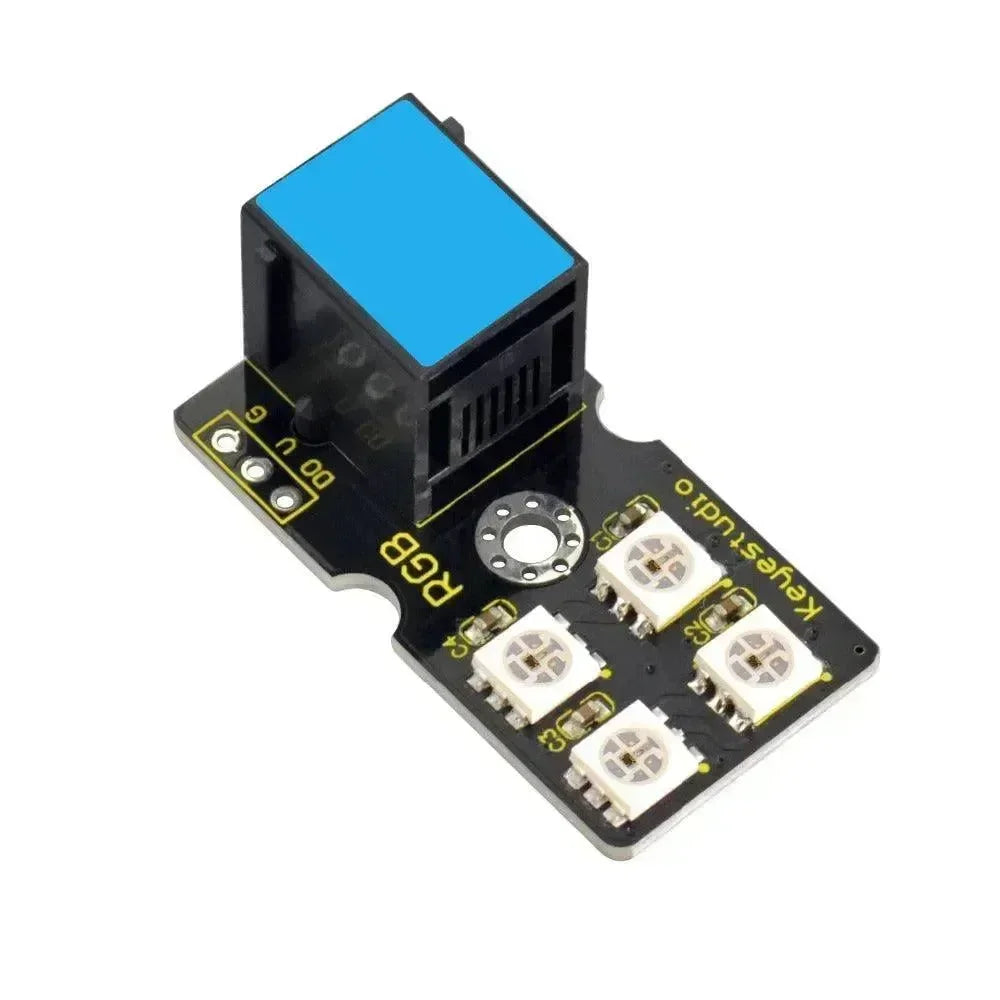
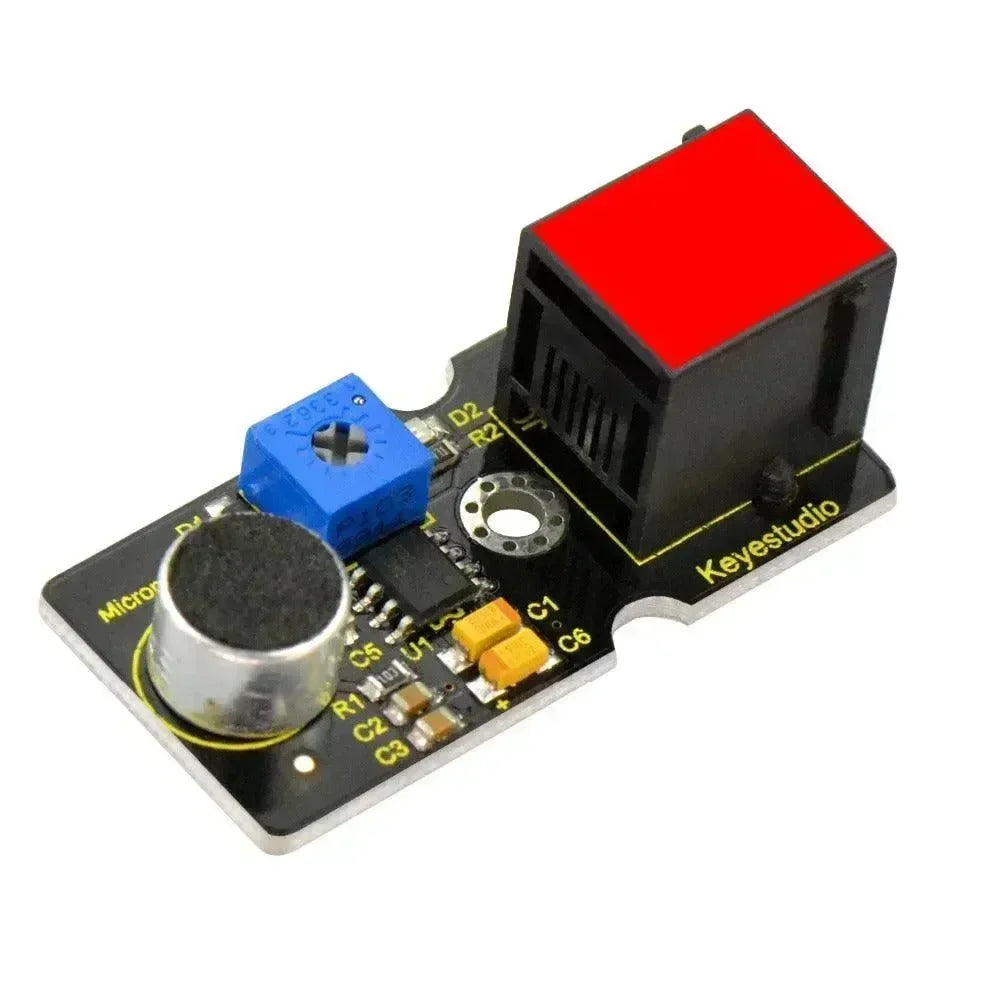

















Opcje konfiguracji modułu audio to: Codec2 Enabled, PTT GPIO, Audio Bitrate/Codec Mode, I2S Word Select, I2S Data IN, I2S Data OUT oraz I2S Clock. Konfiguracja modułu audio wymaga wysłania wiadomości administracyjnej za pomocą protobuf ConfigModule.Audio.
Ten eksperymentalny moduł pozwala na podłączenie cyfrowego mikrofonu I2S oraz głośnika do dowolnego urządzenia ESP32 wyposażonego w radio SX128x i działającego w paśmie ISM 2,4 GHz. Pasma Sub-1GHz są niewystarczające do obsługi ciągłych pakietów audio w sieci mesh, nawet w trybach Short i Fast. Obecnie jedynymi obsługiwanymi urządzeniami są płytki LilyGo TLora 2.1-1.8 oraz TLora T3S3. Moduł jest zaprojektowany dla kanałów o przepustowości 2 kbit/s lub większej.
Wymagany dodatkowy sprzęt:
-
Max98357 - I2S Wzmacniacz Klasy D 3W
-
MSM261S4030H0 - I2S MEMS Niski Szum Pojedynczy Mikrofon
Wartości konfiguracji modułu audio
-
Codec2 włączony: Włącza moduł audio.
-
PTT GPIO: GPIO do użycia dla przycisku Push-To-Talk. Domyślnym ustawieniem jest GPIO 39 na ESP32.
-
Bitrate audio/tryb kodeka: bitrate do użycia dla audio. Domyślną wartością jest CODEC2_700B. Dostępne opcje to: CODEC2_DEFAULT CODEC2_3200 CODEC2_2400 CODEC2_1600 CODEC2_1400 CODEC2_1300 CODEC2_1200 CODEC2_700B CODEC2_700
Wybór słowa I2S: GPIO do użycia dla sygnału WS w interfejsie I2S.
Dane I2S IN: GPIO do użycia dla sygnału SD w interfejsie I2S.
Dane I2S OUT: GPIO do użycia dla sygnału DIN w interfejsie I2S.
Zegar I2S: GPIO do użycia dla sygnału SCK w interfejsie I2S.
UWAGA: Te piny tworzą cyfrowy interfejs audio I2S. Meshtastic działa w trybie monofonicznym, gdzie oprogramowanie przypisuje logiczny kanał stereo 'LEWY' dla mikrofonu oraz logiczny kanał stereo 'PRAWY' dla głośnika. Dlatego skonfiguruj swoje breakouty odpowiednio. Audio jest półdupleksowe, co pozwala na ponowne wykorzystanie niektórych pinów do konfiguracji dwukierunkowej. Nie ma domyślnego przypisania pinów; ustawienie ich jest obowiązkowe.
Klient konfiguracji modułu audio
Android
Opcje konfiguracji audio są dostępne dla Android.
-
Otwórz Aplikację Meshtastic.
-
Przejdź do: Pionowa elipsa (3 kropki w prawym górnym rogu) > Konfiguracja radia > Audio.
Jabłko
Konfiguracja modułu audio nie jest dostępna na iOS, iPadOS i macOS.
CLI
Wszystkie opcje konfiguracji modułu audio są dostępne w Python CLI. Przykładowe polecenia znajdują się poniżej:
| Ustawienie | Akceptowalne wartości | Domyślny |
| audio.codec2_enabled | prawda, fałsz | FAŁSZ |
| audio.ptt_pin | Numer pinu GPIO 1-39 | Domyślna wartość 39 to Nieustawione |
| audio.bitrate | CODEC2_DEFAULT CODEC2_3200 CODEC2_2400 CODEC2_1600 CODEC2_1400 CODEC2_1300 CODEC2_1200 CODEC2_700B CODEC2_700 | CODEC2_DEFAULT |
| audio.i2s_ws | Numer pinu GPIO 1-34 | brak domyślnego |
| audio.i2s_sd | Numer pinu GPIO 1-39 | brak domyślnego |
| audio.i2s_din | Numer pinu GPIO 1-34 | brak domyślnego |
| audio.i2s_sck | Numer pinu GPIO 1-34 | brak domyślnego |
Włącz / Wyłącz moduł
| meshtastic --set audio.codec2_enabled true meshtastic --set audio.codec2_enabled false |
Ustaw WS na numer pinu GPIO 7
| meshtastic --set audio.i2s_ws 7 |
Ustaw DIN na numer pinu GPIO 28
| meshtastic --set audio.i2s_din 28 |
Ustaw PTT na numer pinu GPIO 37
| meshtastic --set audio.ptt_pin 37 |
Ustaw przepływność kodeka
| meshtastic --set audio.bitrate CODEC2_DEFAULT meshtastic --set audio.bitrate CODEC2_1400 |
UWAGA: Ponieważ urządzenie zrestartuje się po każdym poleceniu wysłanym przez CLI, zaleca się łączenie poleceń w jedno podczas ustawiania wielu wartości w sekcji konfiguracji. Na przykład:
| meshtastic --set audio.codec2_enabled true --set audio.bitrate CODEC2_1400 |
Sieć
Wszystkie opcje konfiguracji modułu audio są dostępne w Web UI.
ostrzeżenie
Dostęp do GPIO jest zasadniczo niebezpieczny, ponieważ nieprawidłowe opcje mogą fizycznie uszkodzić lub zniszczyć twój sprzęt. Upewnij się, że w pełni rozumiesz schemat swojego konkretnego urządzenia przed podjęciem próby, ponieważ nie oferujemy gwarancji. Używaj na własne ryzyko.
Ten moduł wymaga podłączenia zewnętrznego akcesorium do twojego urządzenia; nie będzie działać bez niego.