 openelab.de
 openelab.com




































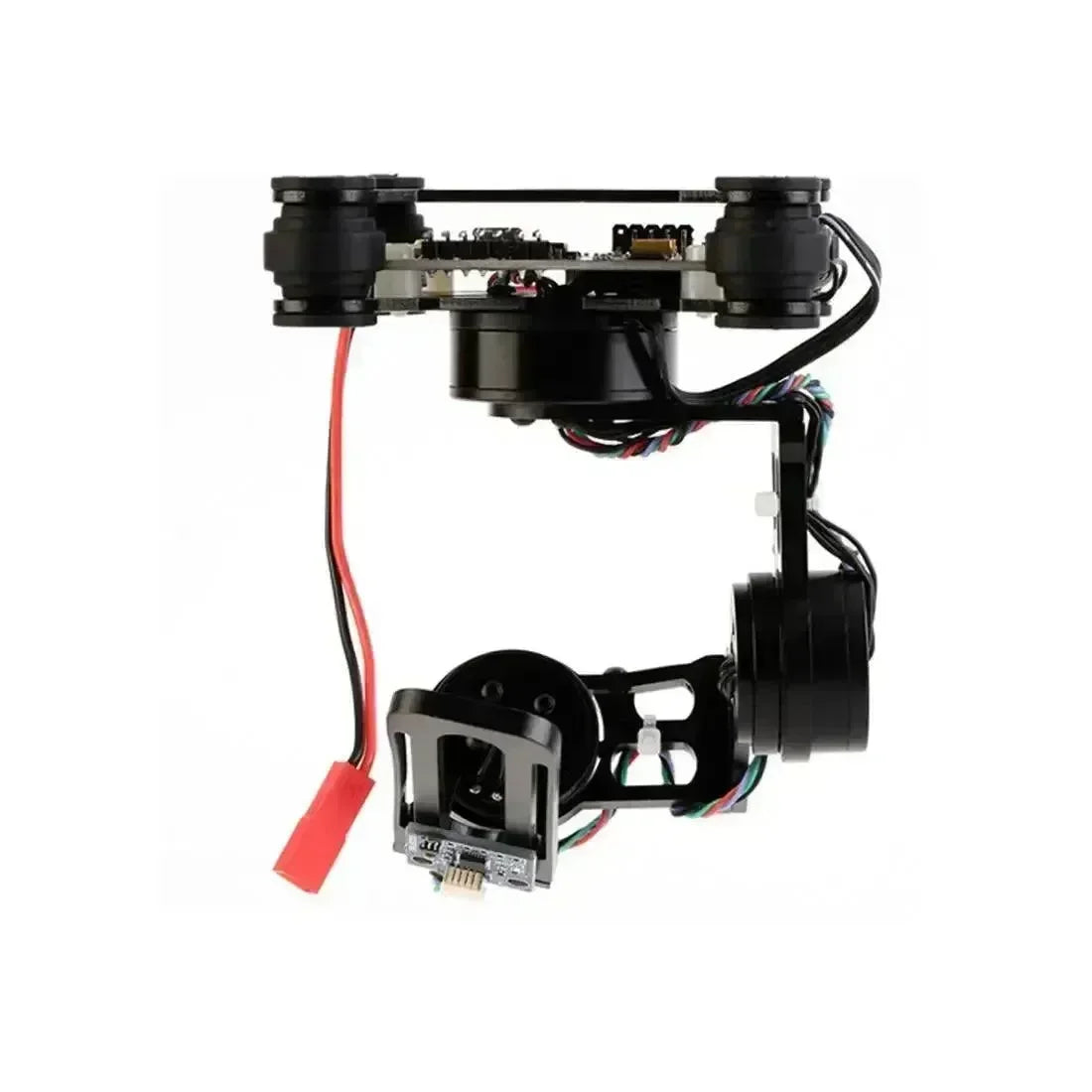











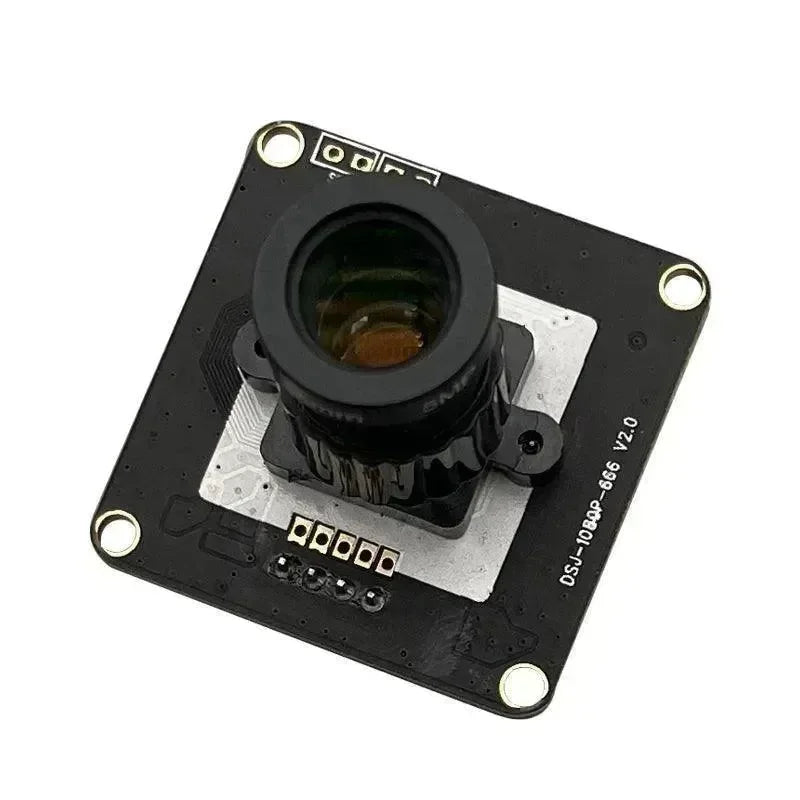

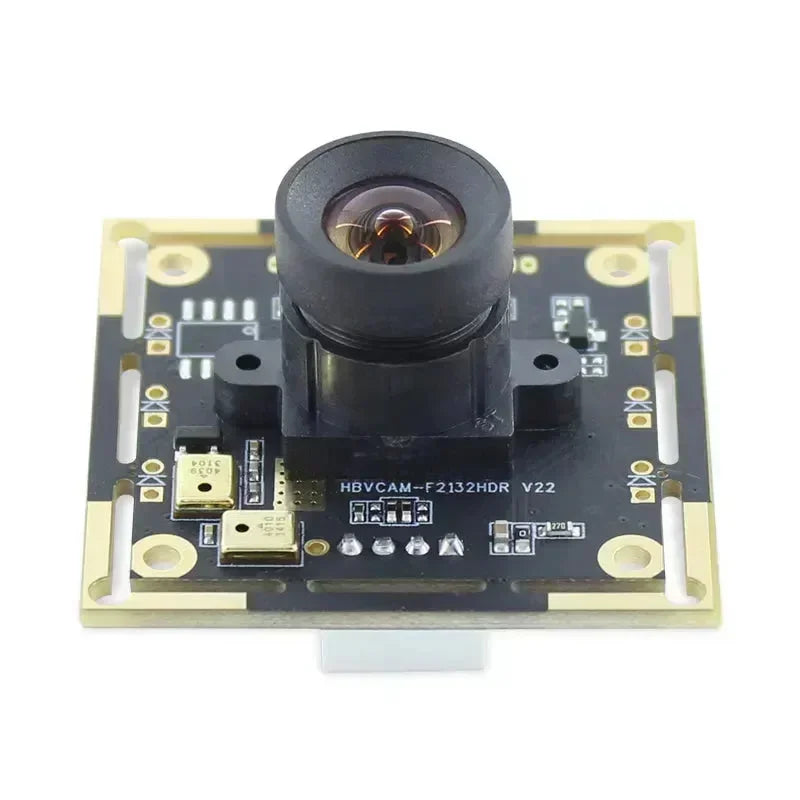












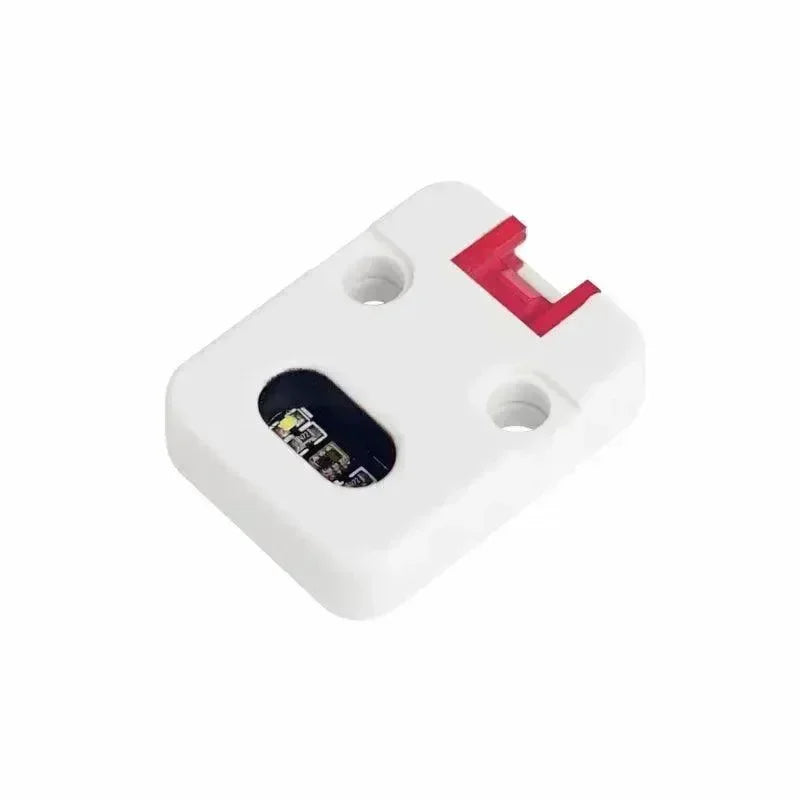























Modul detekčního senzoru umožňuje nakonfigurovat GPIO pin, který bude sledován pro specifikovaný vysoký/nízký stav a odesílat textová upozornění přes Detection Sensor portnum, když je detekována událost. To je zvláště užitečné pro senzory detekce pohybu, reed spínače a jiné systémy otevřeného/uzavřeného stavu, kde jsou požadována oznámení přes mesh síť. Konfigurační možnosti zahrnují: Povoleno, Minimální interval vysílání, Interval vysílání stavu, Odeslat zvonek, Název, Monitorovat pin, Detekce spuštěna vysokým stavem a Použít pull-up.
Pro použití tohoto modulu zajistěte, aby vaše zařízení měla verzi firmwaru 2.2.2 nebo vyšší.
Konfigurační hodnoty modulu detekčního senzoru
Povoleno: Udává, zda je modul povolen.
Minimální interval vysílání: Interval v sekundách, jak často můžeme odeslat zprávu do sítě při detekci změny stavu.
Interval vysílání stavu: Interval v sekundách, jak často bychom měli odesílat zprávu do sítě s aktuálním stavem, bez ohledu na změny. Pokud je nastaven na 0, budou vysílány pouze změny stavu. Funguje to jako jakýsi statusový heartbeat pro klid na duši.
Odeslat zvonek: Odesílá ASCII zvonek spolu s upozorněním, užitečné pro spuštění externí notifikace na název zvonku.
Přátelský název: Používá se k formátování zprávy odesílané do sítě. Například název "Pohyb" by vedl k zprávě "Pohyb detekován." Maximální délka je 20 znaků.
Monitorovací pin: GPIO pin, který bude sledován na změny stavu.
Detekce spuštěna na HIGH: Určuje, zda je detekce stavu GPIO pinu spuštěna na HIGH (1) nebo LOW (0).
Použít Pull-up: Určuje, zda použít režim INPUT_PULLUP pro GPIO pin, platí pouze pokud deska využívá pull-up rezistory na pinu.
Klient modulu detekčního senzoru
Android
Všechny konfigurační možnosti modulu detekčního senzoru jsou k dispozici pro Android v aplikaci verze 2.2.2 a vyšší.
-
Otevřete aplikaci Meshtastic
-
Přejděte na: Vertikální elipsa (3 tečky vpravo nahoře) > Konfigurace rádia > Detekční senzor.
Apple
Všechny konfigurační možnosti pro modul detekčního senzoru jsou k dispozici v aplikacích pro iOS, iPadOS a macOS ve verzích 2.2.2 a vyšších. Pro přístup přejděte do Nastavení > Konfigurace modulu > Detekční senzor.
CLI
Všechny konfigurační možnosti pro modul detekčního senzoru jsou k dispozici ve Python CLI verzi 2.2.2 a vyšší.
-
Povolit/zakázat modul detekčního senzoru
| meshtastic --set detection_sensor.enabled true meshtastic --set detection_sensor.enabled false |
-
Nastavte minimální interval vysílání na 90 sekund
| meshtastic --set detection_sensor.minimum_broadcast_secs 90 |
-
Nastavit interval vysílání stavu na 5 minut
| meshtastic --set detection_sensor.state_broadcast_secs 300 |
-
Povolit/zakázat odesílání zvonění
| meshtastic --set detection_sensor.send_bell true meshtastic --set detection_sensor.send_bell false |
-
Nastavit přátelské jméno na 'motion'
| meshtastic --set detection_sensor.name "motion" |
-
Nastavit monitorovací pin na 7
| meshtastic --set detection_sensor.monitor_pin 7 |
-
Povolit oznámení, když monitorovací pin přejde na HIGH
| meshtastic --set detection_sensor.detection_triggered_high true |
-
Povolit oznámení, když monitorovací pin přejde na LOW
| meshtastic --set detection_sensor.detection_triggered_high false |
-
Povolit použití režimu INPUT_PULLUP
| meshtastic --set detection_sensor.use_pullup true |
-
Získat konfiguraci modulu detekčního senzoru
| meshtastic --get detection_sensor |
Web
Všechny konfigurační možnosti pro modul detekčního senzoru jsou k dispozici v Web UI.




