openelab.de
 openelab.com











































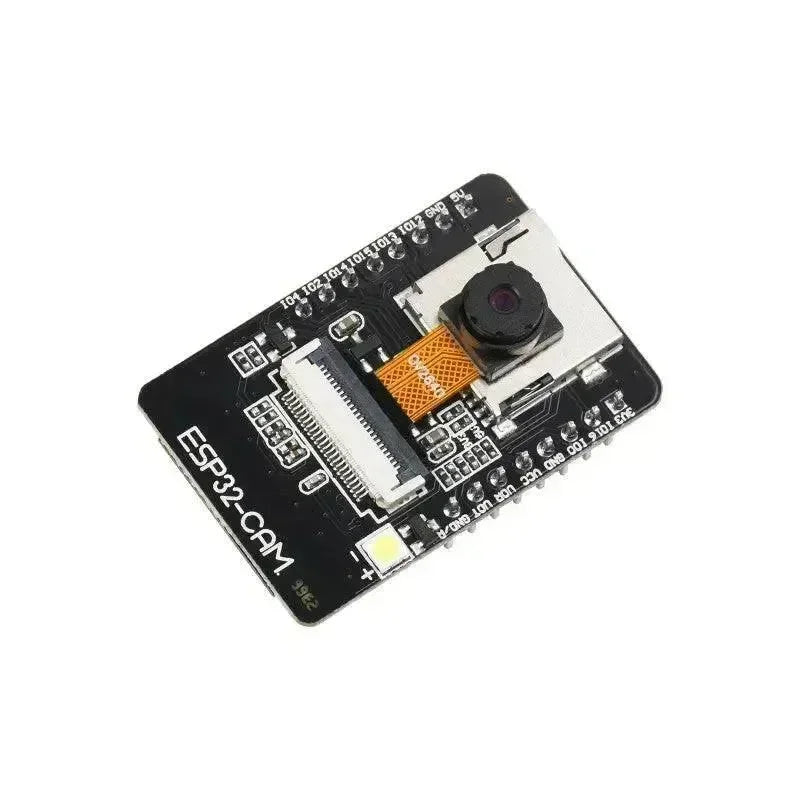










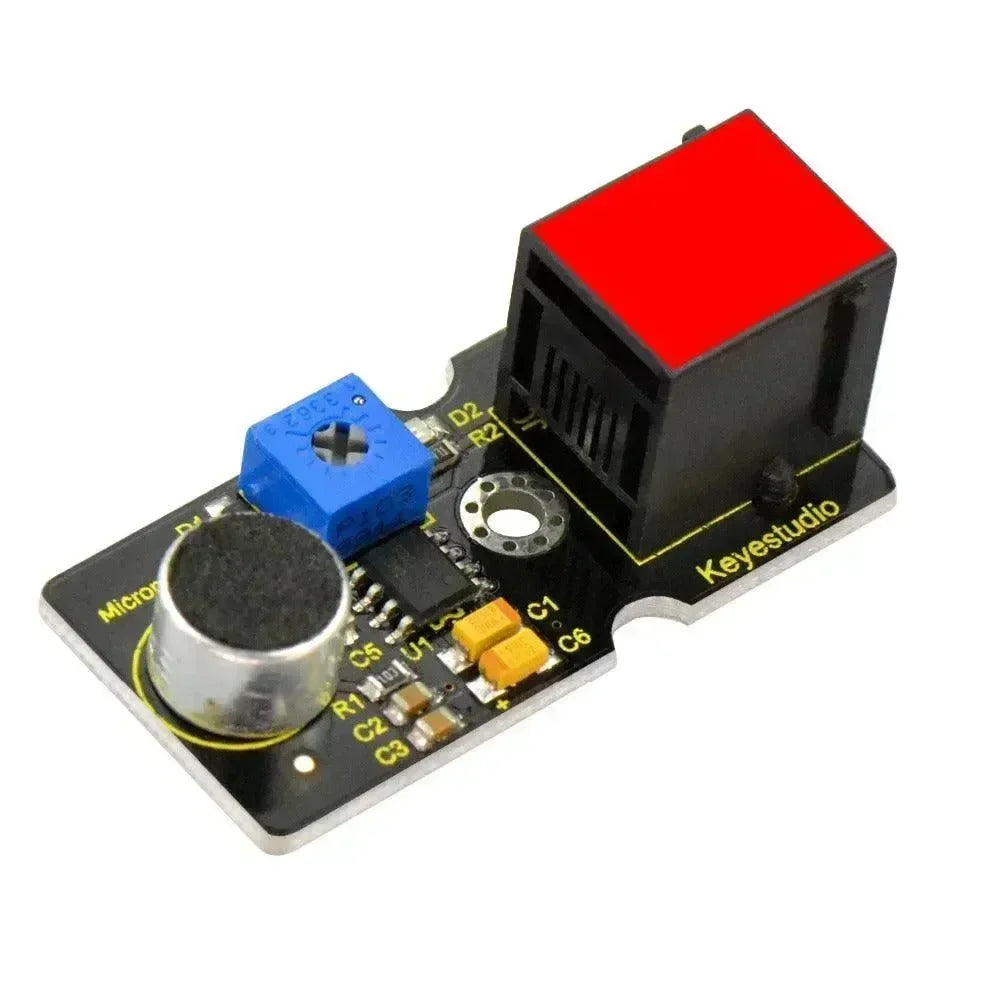


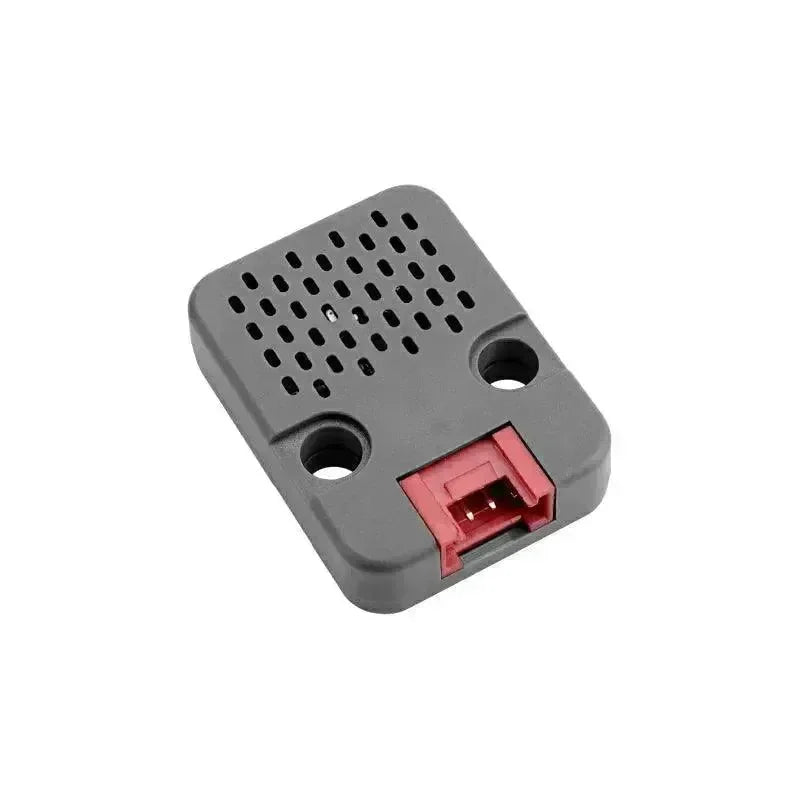















Konfigurationsalternativen för ljudmodulen är: Codec2 aktiverad, PTT GPIO, ljudbitrate/codec-läge, I2S Word Select, I2S Data IN, I2S Data OUT och I2S Clock. Att konfigurera ljudmodulen kräver att ett administratörsmeddelande skickas med ConfigModule.Audio protobuf.
Denna experimentella modul låter dig ansluta en digital I2S-mikrofon och högtalare till vilken ESP32-enhet som helst som har en SX128x-radio och fungerar i 2,4 GHz ISM-bandet. Sub-1GHz-banden är otillräckliga för att stödja kontinuerliga ljudpaket på nätverket, även i Short och Fast-lägena. För närvarande är de enda stödda enheterna LilyGo TLora 2.1-1.8 och TLora T3S3-kort. Modulen är designad för kanaler med en bandbredd på 2 kbit/sek eller mer.
Nödvändig extra hårdvara:
-
Max98357 - I2S 3W Klass D-förstärkare
-
MSM261S4030H0 - I2S MEMS Lågbrusigt Enkelt Mikrofon
Värden för konfiguration av ljudmodul
-
Codec2 aktiverad: Aktiverar ljudmodulen.
-
PTT GPIO: GPIO som ska användas för Push-To-Talk-knappen. Standardinställningen är GPIO 39 på ESP32.
-
Ljudbitrate/Codec-läge: Bitraten som ska användas för ljud. Standard är CODEC2_700B. Tillgängliga alternativ är: CODEC2_DEFAULT CODEC2_3200 CODEC2_2400 CODEC2_1600 CODEC2_1400 CODEC2_1300 CODEC2_1200 CODEC2_700B CODEC2_700
I2S Word Select: GPIO som ska användas för WS-signalen i I2S-gränssnittet.
I2S Data IN: GPIO som ska användas för SD-signalen i I2S-gränssnittet.
I2S Data UT: GPIO som ska användas för DIN-signalen i I2S-gränssnittet.
I2S-klocka: GPIO som ska användas för SCK-signalen i I2S-gränssnittet.
OBS: Dessa stift utgör ett I2S digitalt ljudgränssnitt. Meshtastic fungerar i monoauralt läge, där mjukvaran tilldelar den logiska 'VÄNSTRA' stereokanalen för mikrofonen och den logiska 'HÖGRA' stereokanalen för högtalaren. Konfigurera därför dina breakout-kort därefter. Ljudet är halvduplex, vilket gör att vi kan återanvända några av stiften för en tvåvägskonfiguration. Det finns ingen standardstiftstilldelning; att ställa in dessa är obligatoriskt.
Klient för konfiguration av ljudmodul
Android
Ljudkonfigurationsalternativ finns tillgängliga för Android.
-
Öppna Meshtastic-appen.
-
Navigera till: Vertikal ellips (3 prickar uppe till höger) > Radiokonfiguration > Ljud.
Äpple
Ljudmodulens konfiguration är inte tillgänglig på iOS, iPadOS och macOS.
CLI
Alla ljudmodulens konfigurationsalternativ finns tillgängliga i Python CLI. Exempel på kommandon finns nedan:
| Miljö | Acceptabla värden | Standard |
| audio.codec2_enabled | sant, falskt | FALSKT |
| audio.ptt_pin | GPIO-stift nummer 1-39 | Standardvärdet för 39 är Ej inställt |
| audio.bitrate | CODEC2_DEFAULT CODEC2_3200 CODEC2_2400 CODEC2_1600 CODEC2_1400 CODEC2_1300 CODEC2_1200 CODEC2_700B CODEC2_700 | CODEC2_DEFAULT |
| audio.i2s_ws | GPIO-stiftsnummer 1-34 | Ingen standard |
| audio.i2s_sd | GPIO-stift nummer 1-39 | Ingen standard |
| audio.i2s_din | GPIO-stiftsnummer 1-34 | Ingen standard |
| audio.i2s_sck | GPIO-stiftsnummer 1-34 | Ingen standard |
Aktivera / Inaktivera modul
| meshtastic --set audio.codec2_enabled true meshtastic --set audio.codec2_enabled false |
Ställ in WS till GPIO-stift nummer 7
| meshtastic --set audio.i2s_ws 7 |
Ställ in DIN till GPIO-stift nummer 28
| meshtastic --set audio.i2s_din 28 |
Ställ in PTT till GPIO-stift nummer 37
| meshtastic --set audio.ptt_pin 37 |
Ställ in Codec Bitrate
| meshtastic --set audio.bitrate CODEC2_DEFAULT meshtastic --set audio.bitrate CODEC2_1400 |
OBS: Eftersom enheten kommer att starta om efter varje kommando som skickas via CLI, rekommenderas det att kedja ihop kommandon som ett när du ställer in flera värden i en konfigurationssektion. Till exempel:
| meshtastic --set audio.codec2_enabled true --set audio.bitrate CODEC2_1400 |
Webb
Alla ljudmodulens konfigurationsalternativ finns tillgängliga i Webbgränssnittet.
varning
GPIO-åtkomst är i grunden farligt eftersom ogiltiga alternativ kan fysiskt skada eller förstöra din hårdvara. Se till att du fullt ut förstår schemat för din specifika enhet innan du försöker detta, eftersom vi inte erbjuder någon garanti. Använd på egen risk.
Denna modul kräver att en perifer tillbehör ansluts till din enhet; den fungerar inte utan en.