 openelab.de
 openelab.com


















































































Ostatnia aktualizacja: marzec 2026
Rozpoczęcie pracy z Gemini 305 jest proste. Oto jak przejść od rozpakowania do uruchomienia kodu.

Konfiguracja
Wymagania
- Ubuntu 20.04 lub 22.04
- Port USB 3.0
- Minimum 4 GB RAM
Zainstaluj SDK
sudo apt install libusb-1.0-0-dev libudev-dev cmake
# Pobierz ze strony Orbbec
tar -xf OrbbecSDK_linux_x64.tar.gz
cd OrbbecSDK
mkdir build && cd build
cmake ..
make -j4
sudo make install
Przykład w Pythonie
import pyorbbec as ob
import cv2

pipeline = ob.Pipeline()
config = ob.Config()
config.enable_stream(ob.StreamType.DEPTH, 1280, 800, ob.FPS.FPS_30)
pipeline.start(config)

while True:
    frames = pipeline.wait_for_frames(1000)
    jeśli frames:
        głębia = frames.get_depth_frame()
        # Przetwarzanie danych głębokości

pipeline.stop()
ROS
Dostępny standardowy wrapper ROS. Standardowe tematy, znany sposób pracy.
Podsumowanie
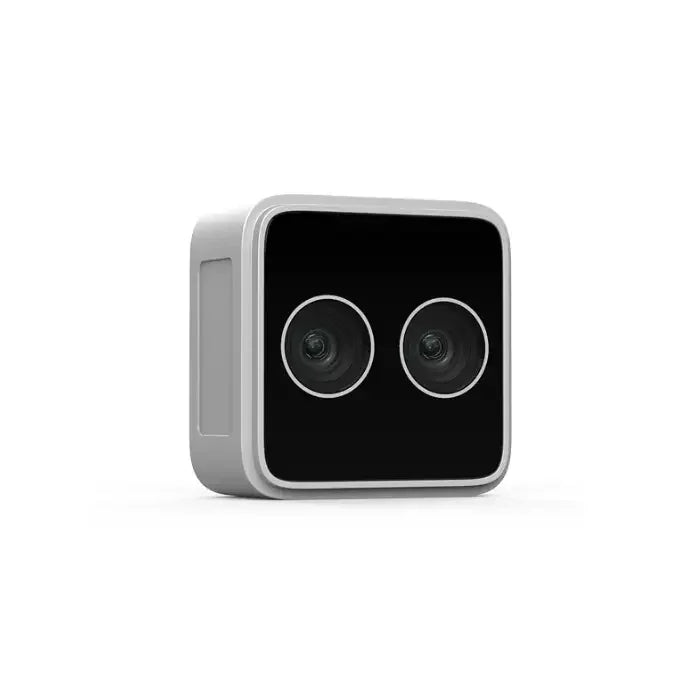
Gemini 305 jest łatwy w programowaniu. Jeśli potrzebujesz stereowizji na krótkim dystansie do robotyki, ta kamera spełni oczekiwania.
Kup: OpenELAB




