openelab.de
 openelab.com





















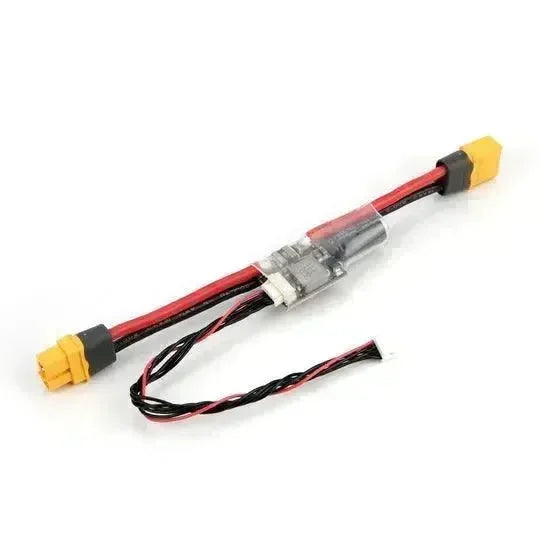


















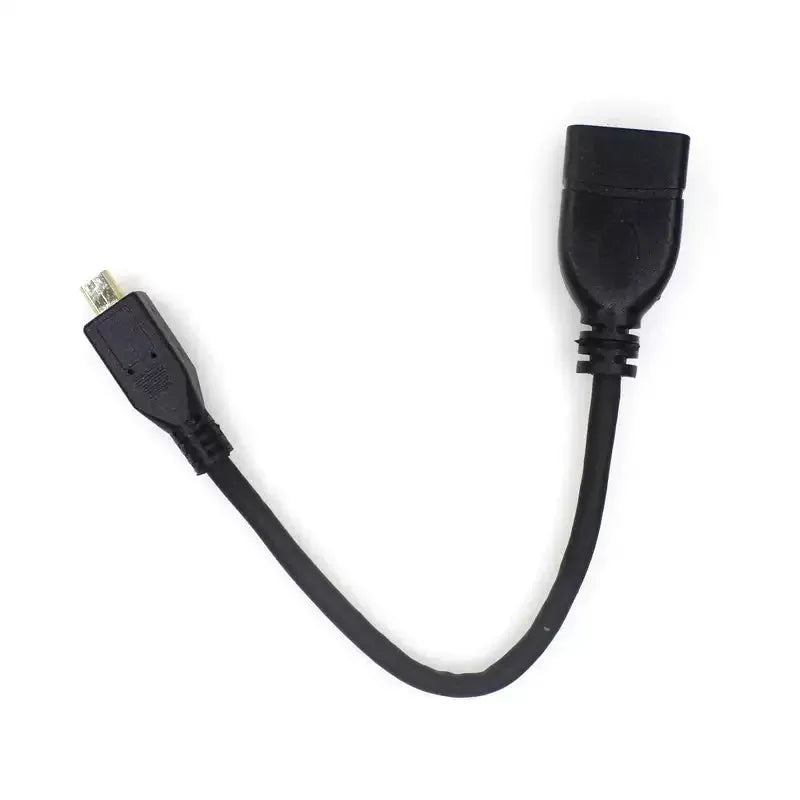


LoRaWAN deployments are often discussed in terms of devices and gateways, but many field problems actually come from the parts around them: antennas, adapter cables, power, mounting, enclosure choices, and deployment accessories.
That is why a good LoRaWAN deployment checklist is not only:
- tracker
- sensor
- module
- gateway
It is also:
- antenna path
- connector adapters
- mounting method
- power plan
- weather or enclosure strategy
This article explains what accessories you actually need for a LoRaWAN deployment, with product selection prioritized around OpenELAB offerings.
Useful OpenELAB references:
- LoRaWAN Units: Features and Selection Guide
- AntennaHome IPX to SMA/B Adapter Cable 120mm
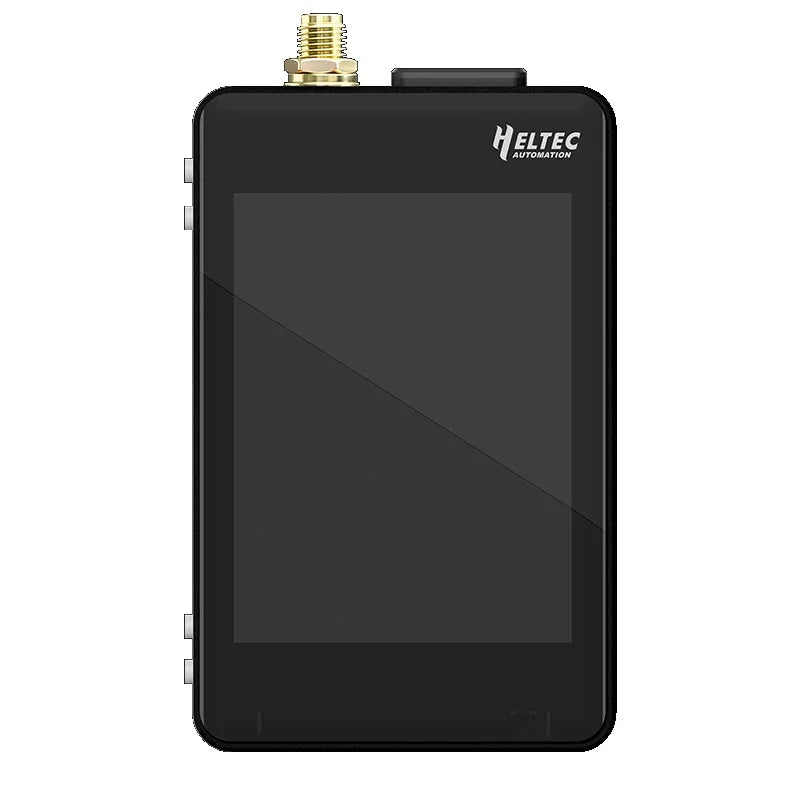
- Seeed Studio SenseCAP T1000-E
- Seeed Studio SenseCAP S2120 8-in-1 LoRaWAN Weather Sensor - Complete Guide
The First Rule: Accessories Depend on Deployment Type
You do not need the same accessory set for:
- a desk prototype
- an indoor pilot
- an outdoor gateway
- a weather sensor rollout
- an asset-tracking deployment
That is why the right question is not:
"What accessories do LoRaWAN systems need?"
It is:
What accessories does this specific LoRaWAN deployment need?
1. Antenna Accessories
For many LoRaWAN deployments, antenna-related accessories are the most important non-device items.
This includes:
- antenna adapters
- pigtails
- connector conversion cables
- mounting-friendly antenna interfaces
If the node or module uses a miniature RF connector, an adapter such as the AntennaHome IPX to SMA/B Adapter Cable 120mm stops being an afterthought and becomes part of the real deployment bill of materials.
You need this class of accessory when:
- the board connector is too small for direct field use
- the antenna needs to sit outside the enclosure
- you want a stronger SMA-class external connection
2. Power Accessories
LoRaWAN is low power, but low power does not mean no power planning.
Power accessories may include:
- charging cables
- external supplies
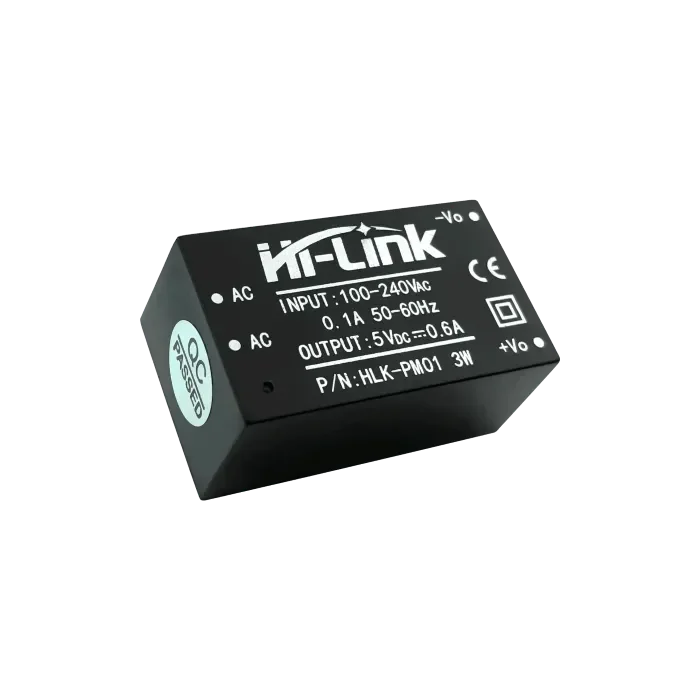
- regulated adapters
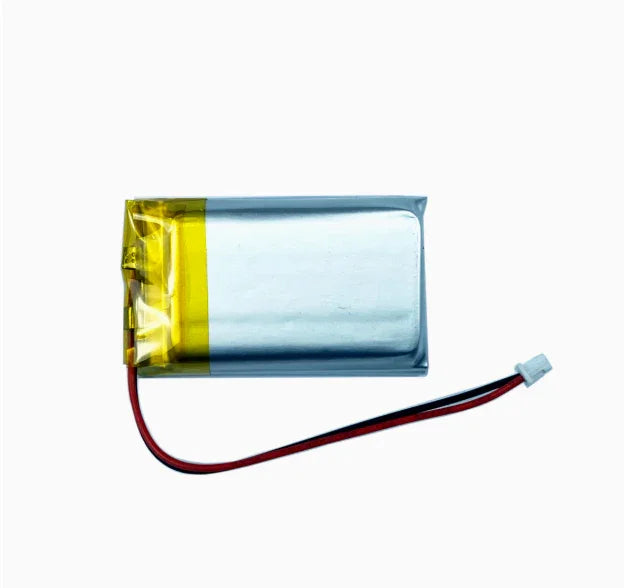
- battery packs or replacement strategy
- PoE or gateway-side power components depending on infrastructure
For example:
- a rechargeable tracker deployment needs a charging workflow
- an outdoor gateway deployment needs stable always-on power
- a fixed sensor node may need a more deliberate maintenance cycle
The real accessory question is:
How will this device stay powered in the real environment where it is deployed?
3. Mounting Accessories
Mounting is one of the most overlooked parts of LoRaWAN rollout.
You may need:
- wall mounting
- mast mounting
- pole mounting
- bracket support
- adhesive or strap attachment
- enclosure pass-through hardware
This matters because LoRaWAN performance depends strongly on:
- where the device sits
- where the antenna sits
- whether the unit is protected
- whether the tracker stays with the asset
Even a good tracker becomes a bad deployment if it cannot stay attached to the thing being tracked.
4. Enclosure and Environmental Accessories
If the deployment is outdoors, accessory planning becomes much more serious.
You may need:
- weather protection
- cable pass-through management
- external antenna routing
- ingress protection support
- strain relief
A finished outdoor sensor or rugged tracker can reduce this burden. For example, the SenseCAP T1000-E is much easier to deploy than a raw board when you need a finished compact tracker form.
But once you are building around modules, accessories become essential because you are now responsible for more of the final physical system.
5. Gateway-Side Accessories
A gateway deployment often needs its own accessory plan.
This may include:
- better antenna placement support
- RF adapter or cable choices
- power and backhaul planning
- installation hardware
This is one reason a small gateway pilot and a real outdoor field gateway should not be accessorized the same way.
6. Spare and Service Accessories
For operational deployments, some of the most useful accessories are not technical upgrades but maintenance enablers.
Examples:
- spare pigtails
- spare antennas
- charging accessories
- replacement mounting hardware
- clearly labeled region-matched antennas or parts
These accessories reduce downtime and confusion during field maintenance.
Deployment-Type Checklist
Asset tracking deployment
Typical accessory priorities:
- charging plan
- attachment method
- spare charging accessories
- optional antenna-related parts only if the tracker design requires them
Sensor deployment
Typical accessory priorities:
- mounting
- enclosure/environment
- battery or power plan
- region-correct gateway support
Module-based custom node
Typical accessory priorities:
- antenna adapter cable
- enclosure hardware
- power integration parts
- connector routing parts
Gateway deployment
Typical accessory priorities:
- antenna positioning
- installation hardware
- power/backhaul support
- weather-aware mounting if outdoors
Common Mistakes
Mistake 1: Buying the node but not the RF bridge parts
This is especially common with module-based builds.
Mistake 2: Ignoring mounting until installation day
By then it is often too late to keep the deployment clean and efficient.
Mistake 3: Treating charging and maintenance as "someone else's problem"
That is how asset-tracking pilots quietly fail.
Mistake 4: Assuming a finished product needs no accessory planning
Even a finished product still needs a real deployment workflow.
Final Take
The most important LoRaWAN accessories are usually not flashy. They are the parts that make the deployment physically and operationally correct:
- antenna adapters and pigtails
- power accessories
- mounting hardware
- environmental protection
- service spares
If you want the shortest rule:
buy accessories based on deployment mechanics, not just on the device spec sheet.
That is what usually separates a clean LoRaWAN deployment from a frustrating one.