openelab.de
 openelab.com











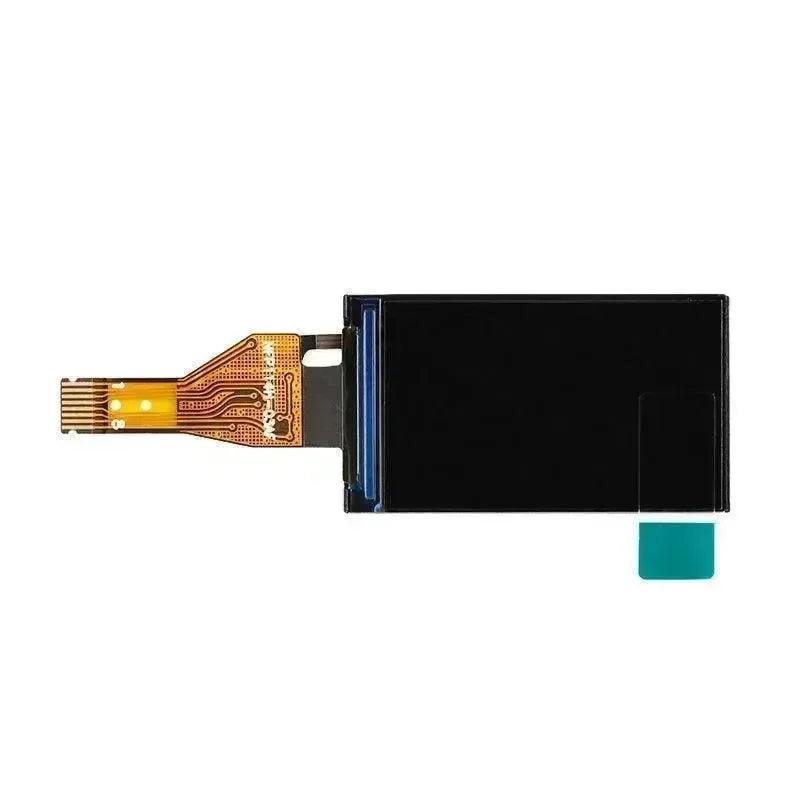
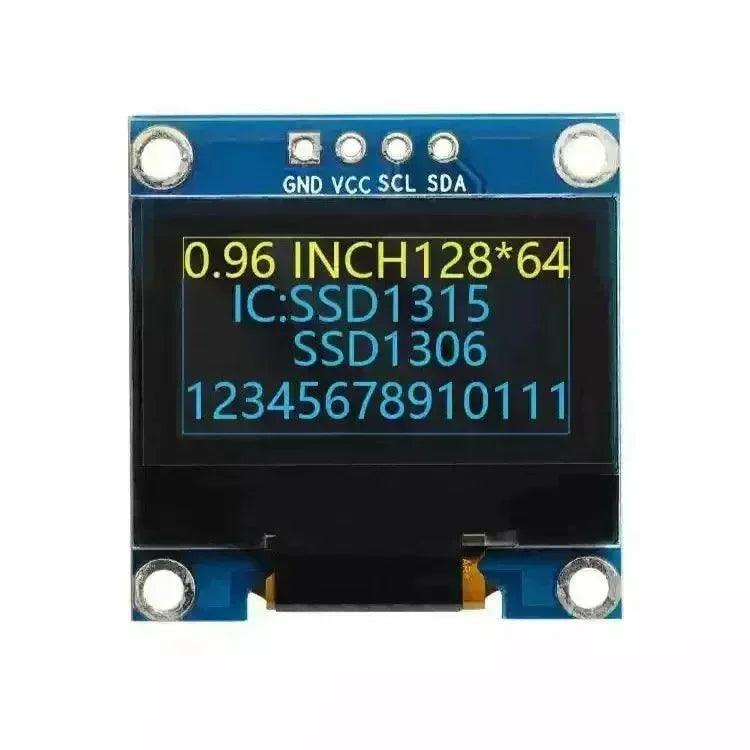

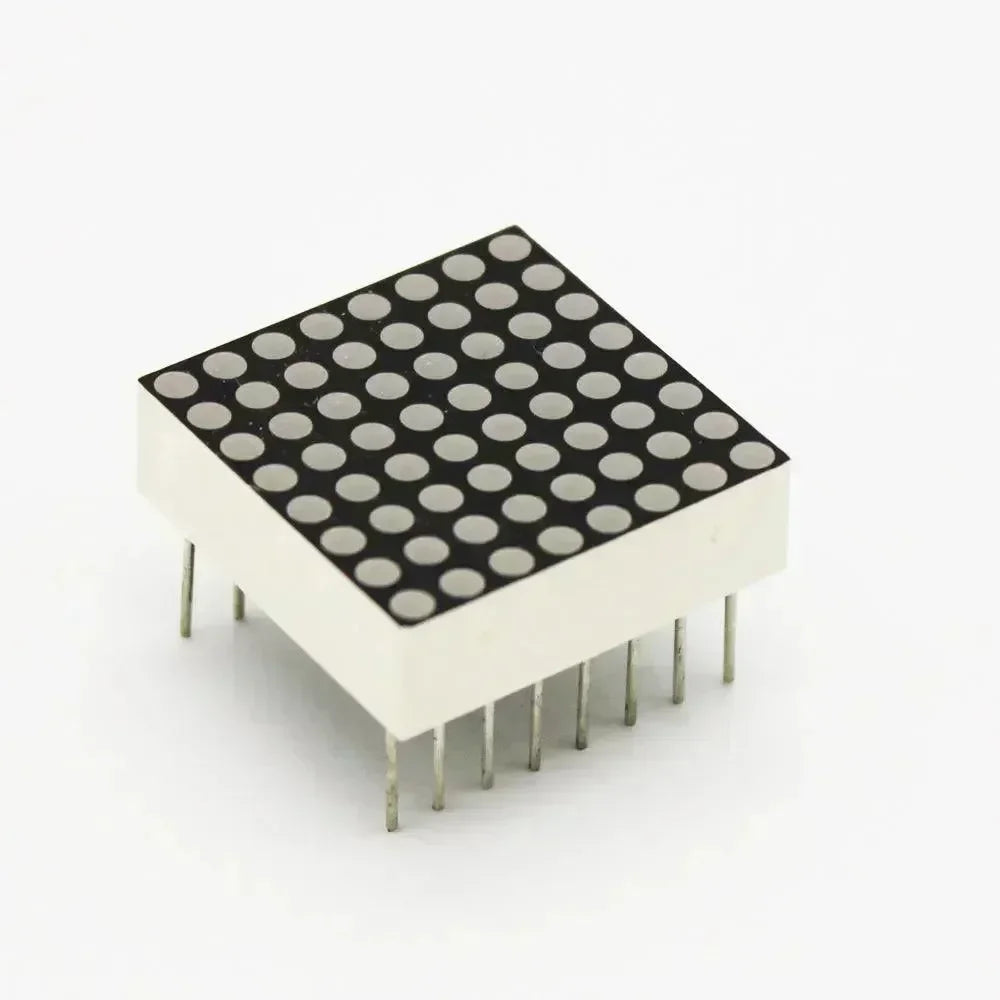


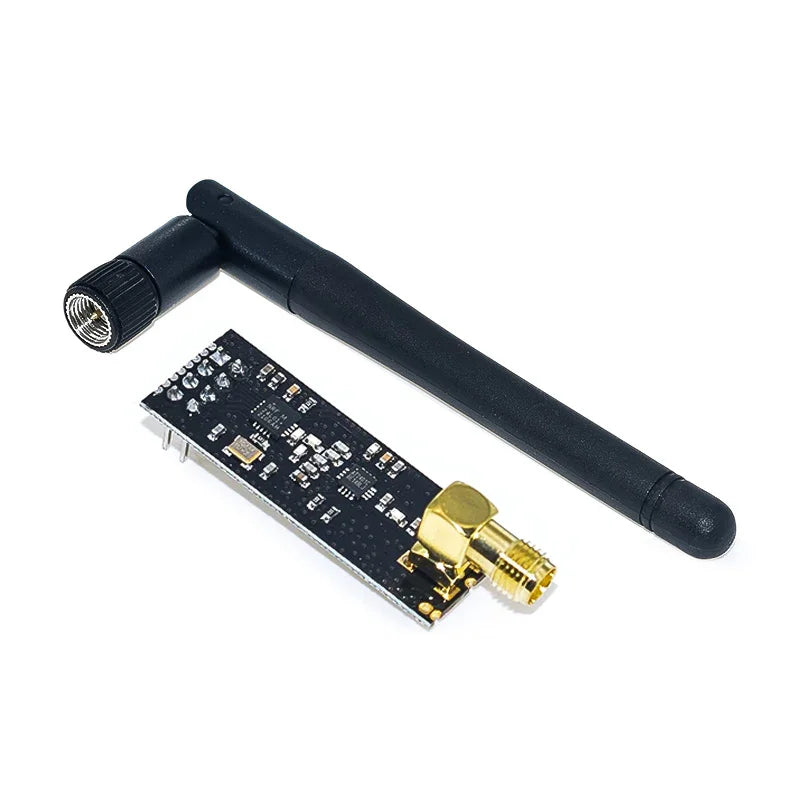

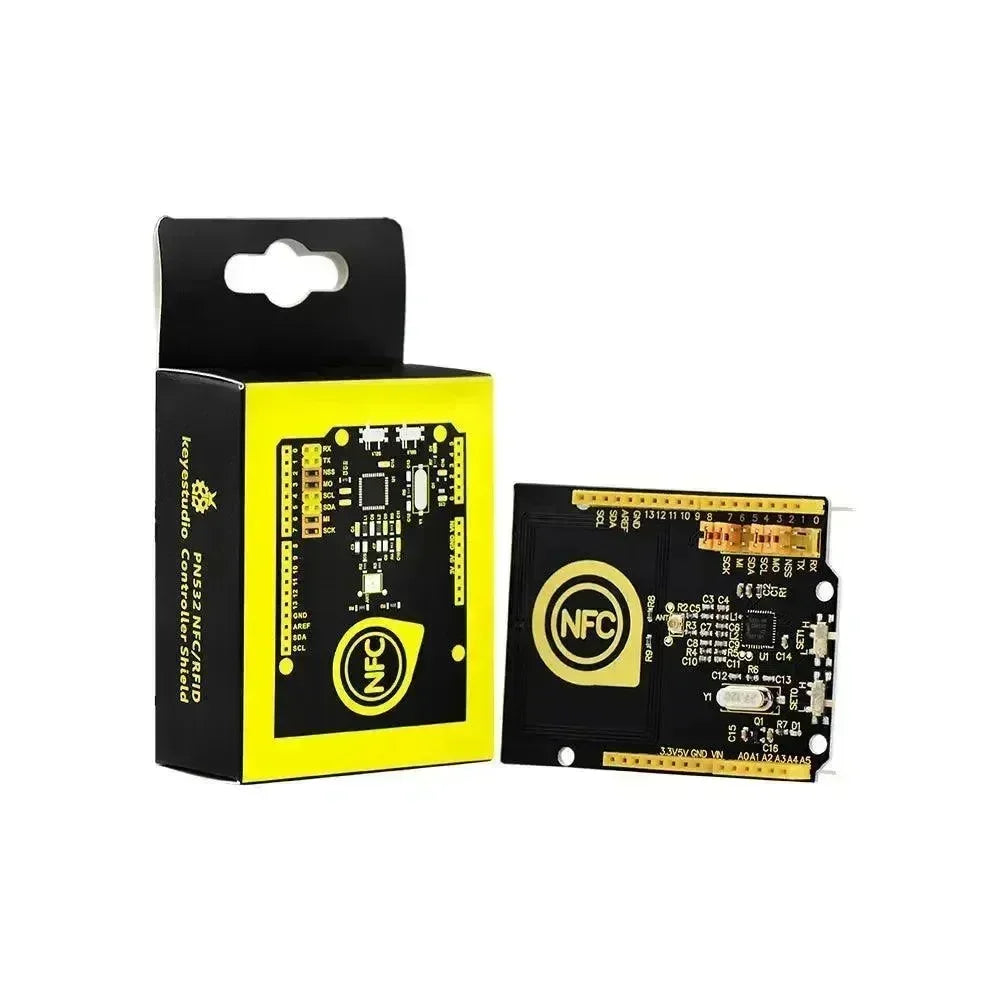




























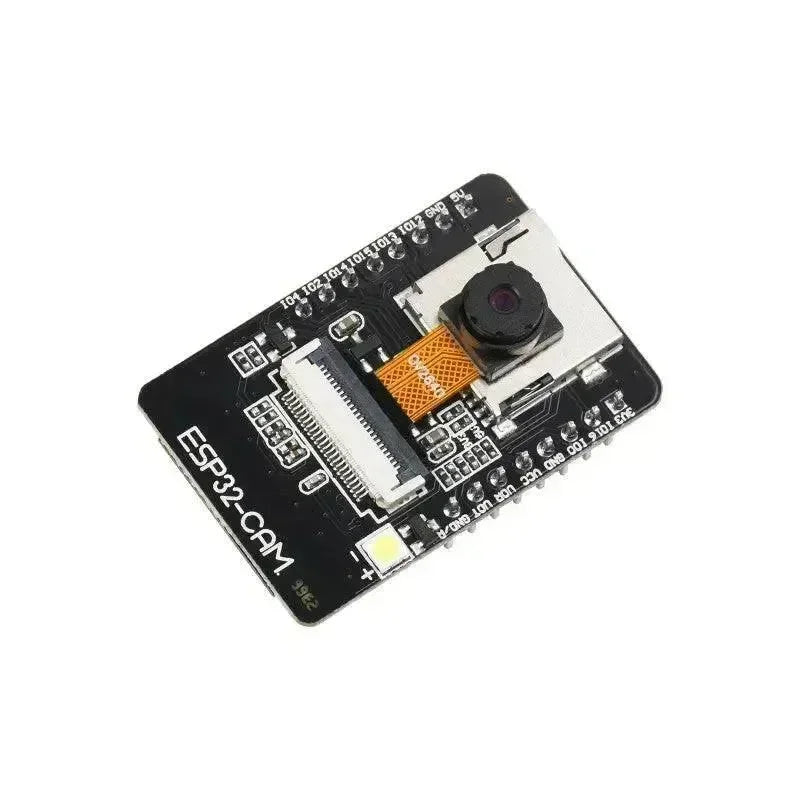










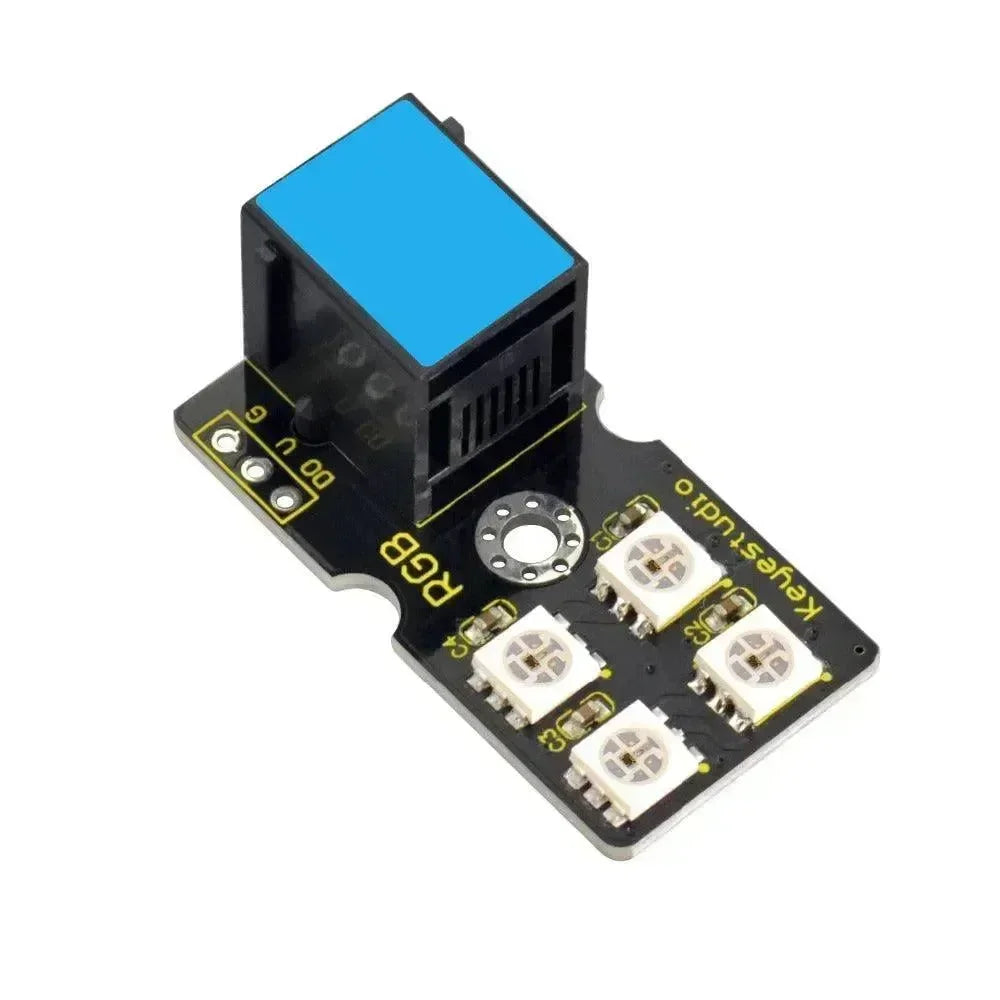
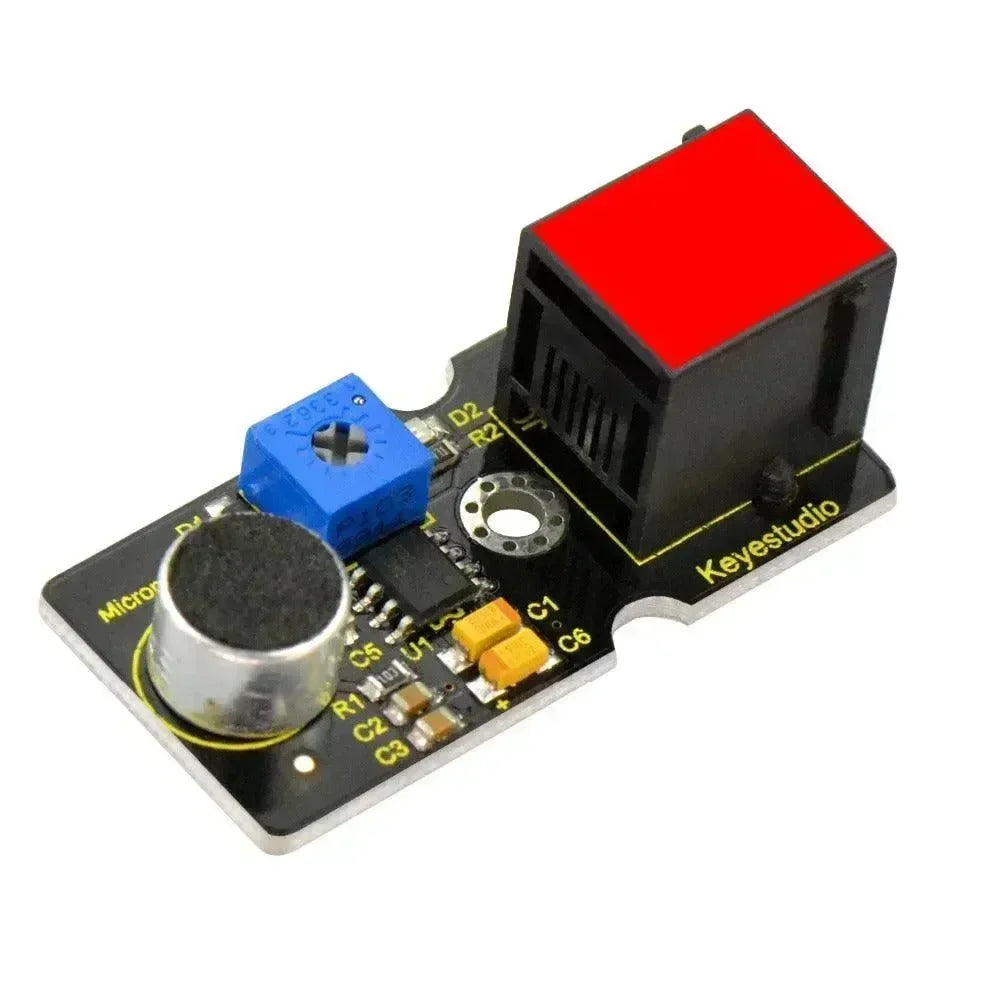


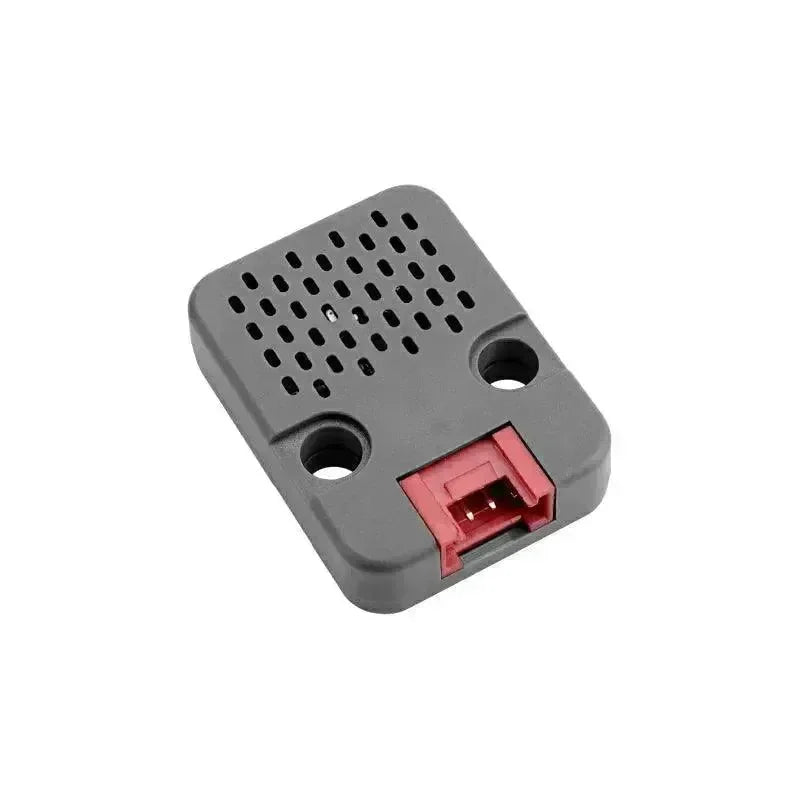





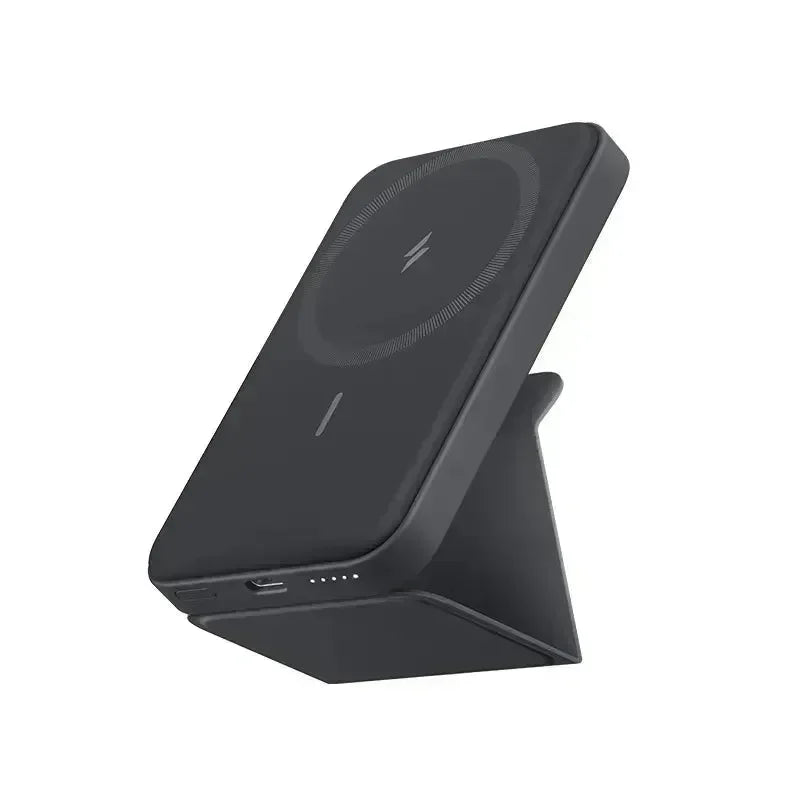







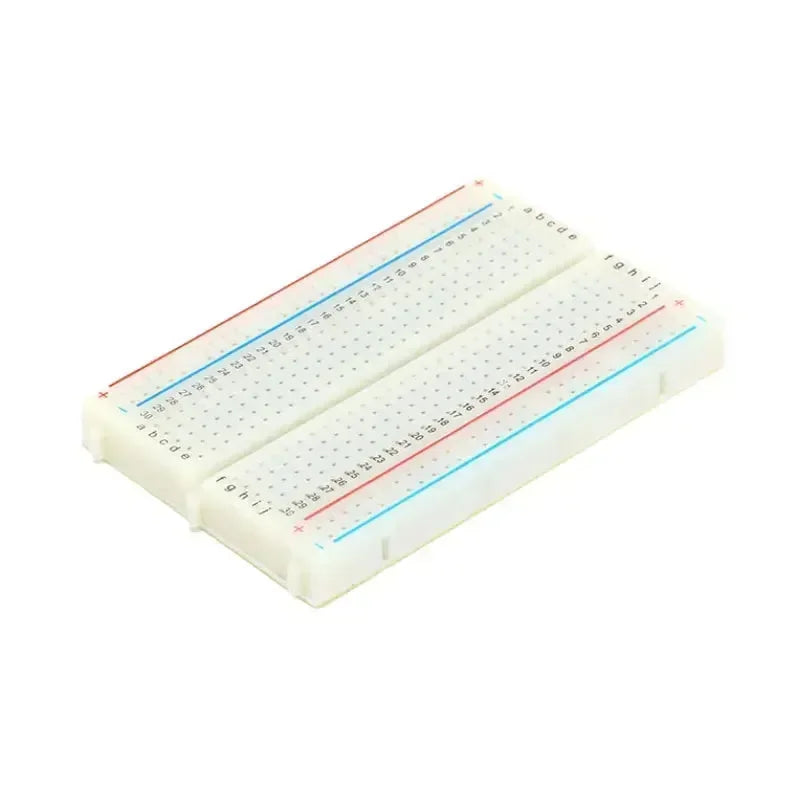
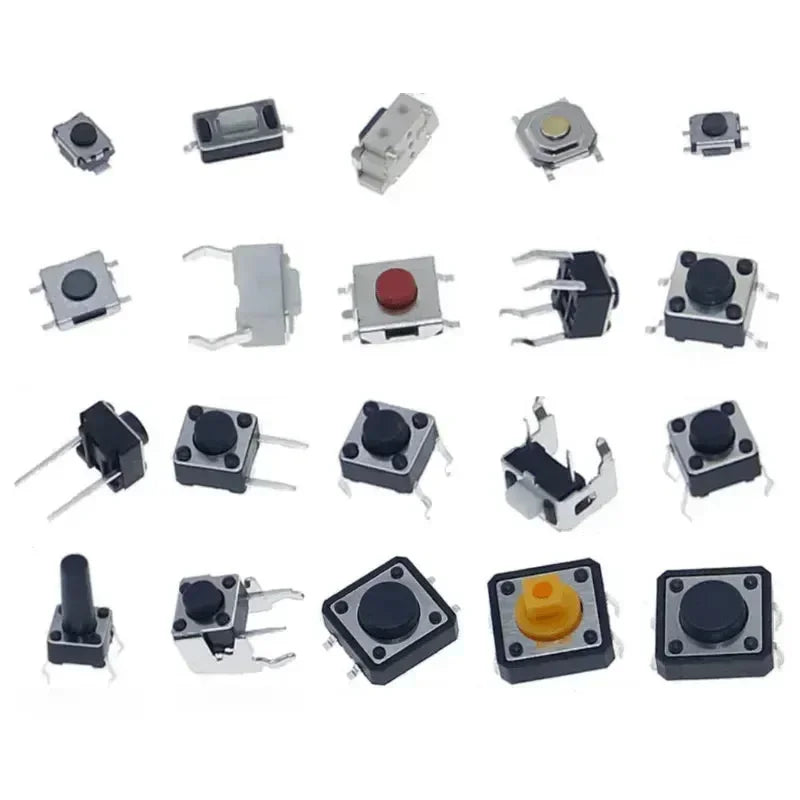



External Notification Module giver dig mulighed for at tilslutte en buzzer, højttaler, LED eller andre enheder for at underrette dig, når en besked modtages fra mesh-netværket. Du kan aktivere op til 3 pins uafhængigt.
Konfigurationsmulighederne for External Notification Module inkluderer: Aktiveret, Aktiv, Alert Bell (Generel), Alert Bell Vibra, Alert Bell Buzzer, Alert Message (Generel), Alert Message Vibra, Alert Message Buzzer, Output (Generel), Output Vibra, Output Buzzer, Output Millisekunder, Brug PWM, og Nag Timeout. External Notification-konfiguration bruger en admin-besked til at sende en ConfigModule.ExternalNotificationConfig protobuf.
Konfigurationsværdier for External Notification Module
-
Aktiveret: Aktiverer External Notification Module.
-
Aktiv (generel / LED kun): Angiver, om det eksterne kredsløb er aktivt, når enhedens GPIO er lav eller høj. Hvis sat til true, vil pin'en blive trukket aktiv høj; hvis sat til false, betyder det aktiv lav.
-
Alarm ved modtagelse af klokke (generelt / LED, Vibra og Buzzer): Angiver om der skal udløses en alarm ved modtagelse af en indkommende klokke.
-
Alarm ved modtagelse af besked (generelt / LED, Vibra og Buzzer): Angiver om der skal udløses en alarm ved modtagelse af en indkommende besked.
-
GPIO Pins (generelt / LED, Vibra og Buzzer): Angiver hvilken GPIO din eksterne kreds er tilsluttet på enheden. På enheder med en PWM buzzer kan du bruge buzzeren til notifikationer ved at sætte use_pwm egenskaben til SAND. Buzzer Pin vil blive ignoreret, og device.buzzer_gpio vil blive brugt i stedet. Hvis du aktiverer PWM-tilstand, vil enheden bruge RTTTL ringetoner til notifikationer. Du kan finde eksempler på RTTTL ringetoner her og uploade dem til enheden via en klientapplikation. BEMÆRK: På ESP32-baserede boards er GPIOs 34 til 39 GPIs – kun input-pins. Disse pins har ikke interne pull-up eller pull-down modstande og kan ikke bruges som output, så du KAN IKKE bruge disse pins som output.
-
Hvor længe overvåget GPIO er aktiveret: Angiver hvor længe i millisekunder dine GPIOs skal være aktive; i tilfælde af gentagelsesmuligheden er dette varigheden af hver tone og pause, med en standardværdi på 0 sat til 1000ms.
-
Gentag (Nag Timeout) (generelt / LED, Vibra og Buzzer): Angiver om alarmen skal gentages. Hvis sat til en værdi større end nul, vil alarmen blive gentaget, indtil brugerknappen trykkes eller det angivne 'værdi' antal sekunder er gået.
Klient til konfiguration af ekstern notifikationsmodul
Android
Ekstern notifikationskonfiguration er tilgængelig for Android.
-
Åbn Meshtastic App.
-
Naviger til: Vertikal ellipsis (3 prikker øverst til højre) > Radio konfiguration > Ekstern notifikation.
Apple
Alle eksterne notifikationsmodulindstillinger er tilgængelige på iOS, iPadOS og macOS under Indstillinger > Modulkonfiguration > Ekstern notifikation.
CLI
Alle eksterne notifikationsmodulindstillinger er tilgængelige i Python CLI. Eksempelkommandoer er nedenfor:
| Indstilling | Acceptable værdier | Standard |
| external_notification.enabled | sandt, falsk | FALSK |
| external_notification.active | sandt, falsk | FALSK |
| external_notification.alert_bell | sandt, falsk | FALSK |
| external_notification.alert_bell_vibra | sandt, falsk | FALSK |
| external_notification.alert_bell_buzzer | sandt, falsk | FALSK |
| external_notification.alert_message | sandt, falsk | FALSK |
| external_notification.alert_message_vibra | sandt, falsk | FALSK |
| external_notification.alert_message_buzzer | sandt, falsk | FALSK |
| external_notification.output | heltal | 0 |
| external_notification.output_vibra | heltal | 0 |
| external_notification.output_buzzer | heltal | 0 |
| external_notification.output_ms | heltal (millisekunder) | 0 |
| external_notification.use_pwm | sandt, falsk | FALSK |
| external_notification.nag_timeout | heltal (sekunder) | 0 |
-
Aktivér/deaktivér ekstern notifikationsmodul
| meshtastic --set external_notification.enabled true meshtastic --set external_notification.enabled false |
-
Aktivér/deaktivér alarm ved indkommende klokke
| meshtastic --set external_notification.alert_bell true meshtastic --set external_notification.alert_bell false |
-
Indstil GPIO aktiv høj / lav (standard på false er lav)
| meshtastic --set external_notification.active false meshtastic --set external_notification.active true |
-
Aktivér/deaktivér alarm ved indkommende besked
| meshtastic --set external_notification.alert_message true meshtastic --set external_notification.alert_message false |
-
Indstil GPIO til overvågning til 21
| meshtastic --set external_notification.output 21 |
-
Indstil overvåget GPIO output varighed (standard på 0 er 1000ms)
| meshtastic --set external_notification.output_ms 0 meshtastic --set external_notification.output_ms 1500 |
BEMÆRK: Da enheden genstarter efter hver kommando, der sendes via CLI, anbefales det at kæde kommandoer sammen som én, når der sættes flere værdier i en konfigurationssektion. For eksempel:
| meshtastic --set external_notification.enabled true --set external_notification.alert_bell true |
Web
Alle konfigurationsmuligheder for ekstern notifikationsmodul er tilgængelige i Web UI.
Eksempler
Alarmtype
Klokketegnet er ASCII 0x07. For at aktivere eksterne notifikationer, inkluder 0x07 hvor som helst i tekstbeskeden og sørg for, at ext_notification.alert_bell er aktiveret.
Vi understøtter at blive alarmeret ved to begivenheder:
-
Indkommende tekstbesked.
-
Indkommende tekstbesked, der indeholder ASCII klokketegnet. På nuværende tidspunkt kan kun Python API sende et ASCII klokketegn, men mere support kan blive tilføjet i fremtiden.
Ekstern hardware
Vær opmærksom på ESP32's maksimale strømkapacitet til at trække og levere strøm på GPIO. De enkleste enheder at tilslutte ville være en LED eller en aktiv summende alarm.
Her er nogle ideer til ekstern hardware:
-
LED
-
Aktiv Summende alarm
-
Flammekaster
-
Strobelys
-
Sirene
Kendte begrænsninger
Denne modul overvåger kun tekstbeskeder. Vi vil ikke udløse nogen andre pakketyper.